 entrfy
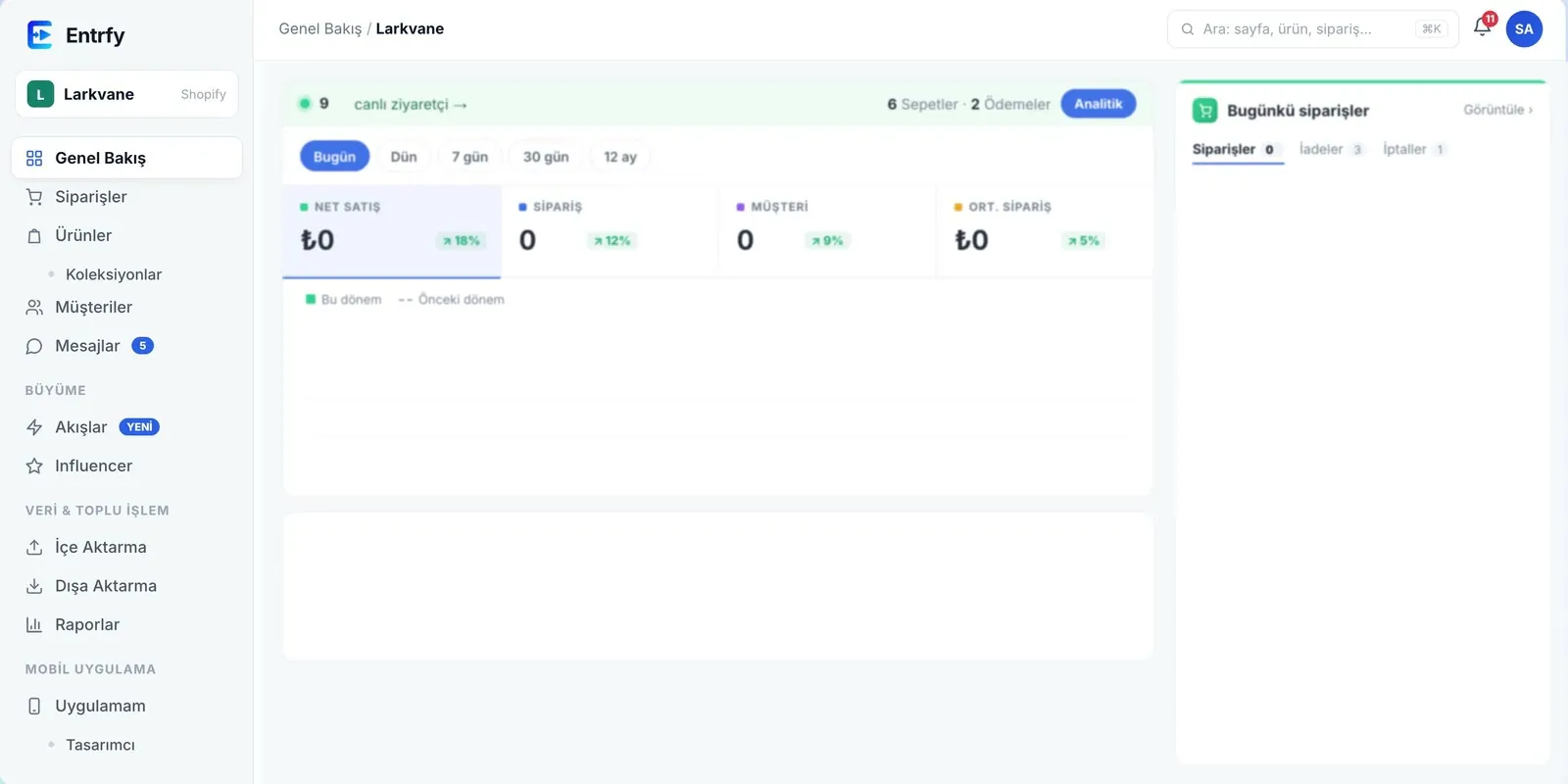 PanelAll in one Panel, one subscription.
 AppYour store, on your customer's home screen.
Add-onProduct Reviews
Let your customers' words sell on your product pages.
A review invite goes out after each order. Star ratings, photo and video reviews show on your product pages; you decide which ones get published.
Works in your Shopify theme · No code needed · Managed from the Panel
Product Reviews at a glance
What it is
A review section added to your Shopify theme, a review invite sent after each order, and an approval inbox in the Panel.
Who it's for
Stores that believe in their products but can't show it on the product page.
What it costs
Get it on its own or add it to the Panel + five add-ons bundle. See the price on the Pricing page.
What happens after an order is delivered?
Click the steps to see how an order turns into a review on the product page.
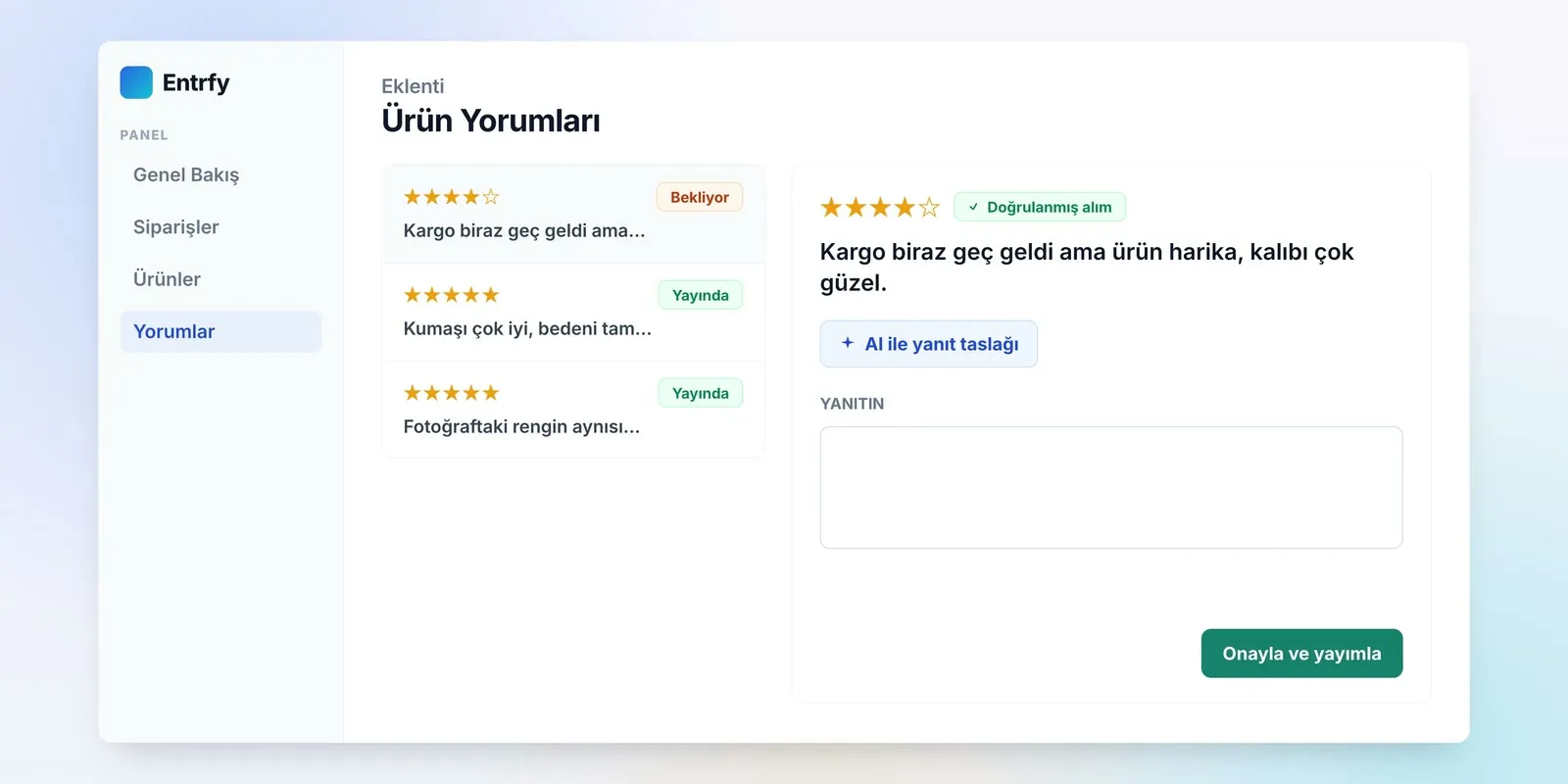
The invite email goes out automatically after the order; new reviews come to you first.
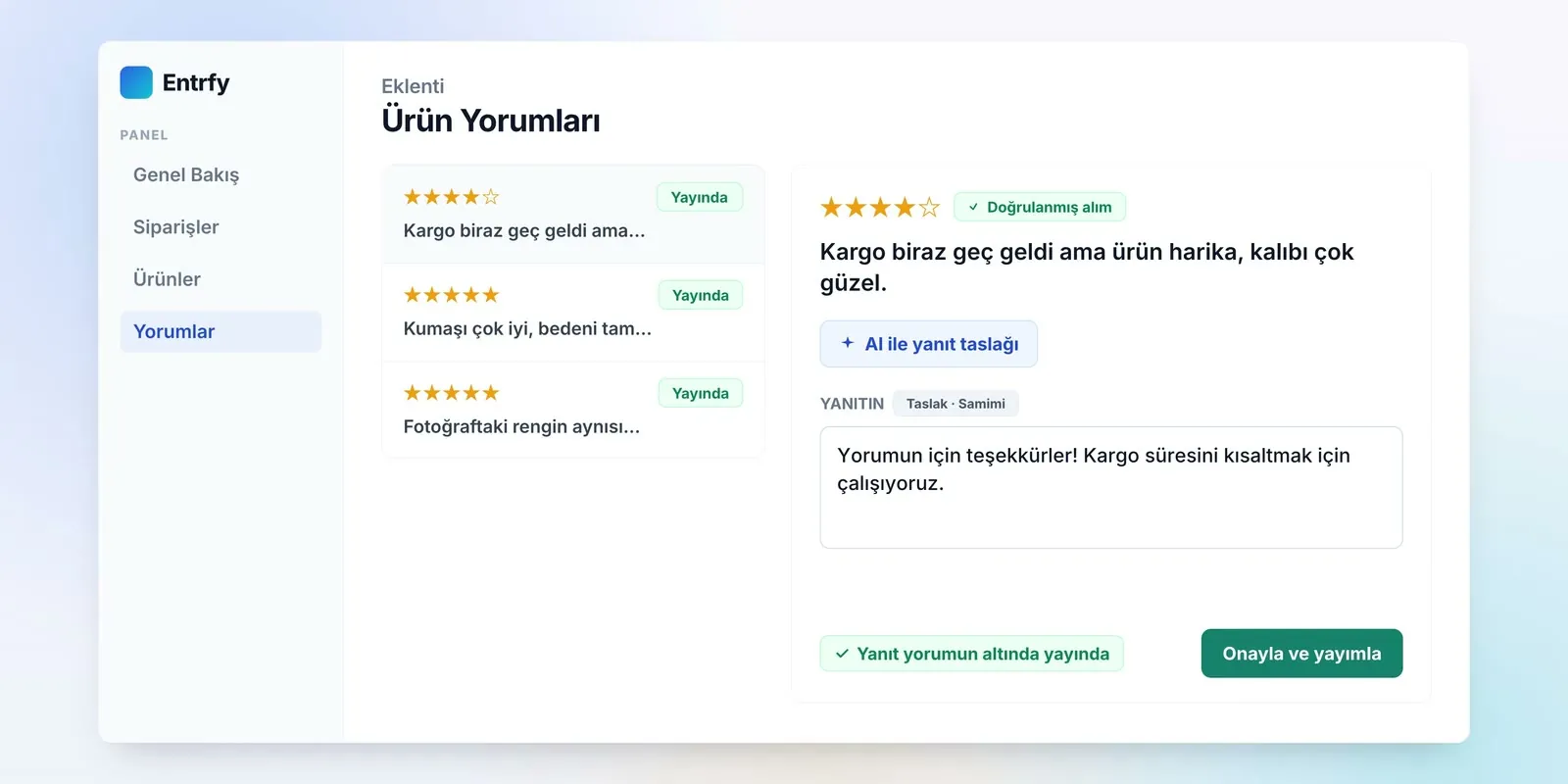
AI drafts a reply; you're the one who reads and approves it.
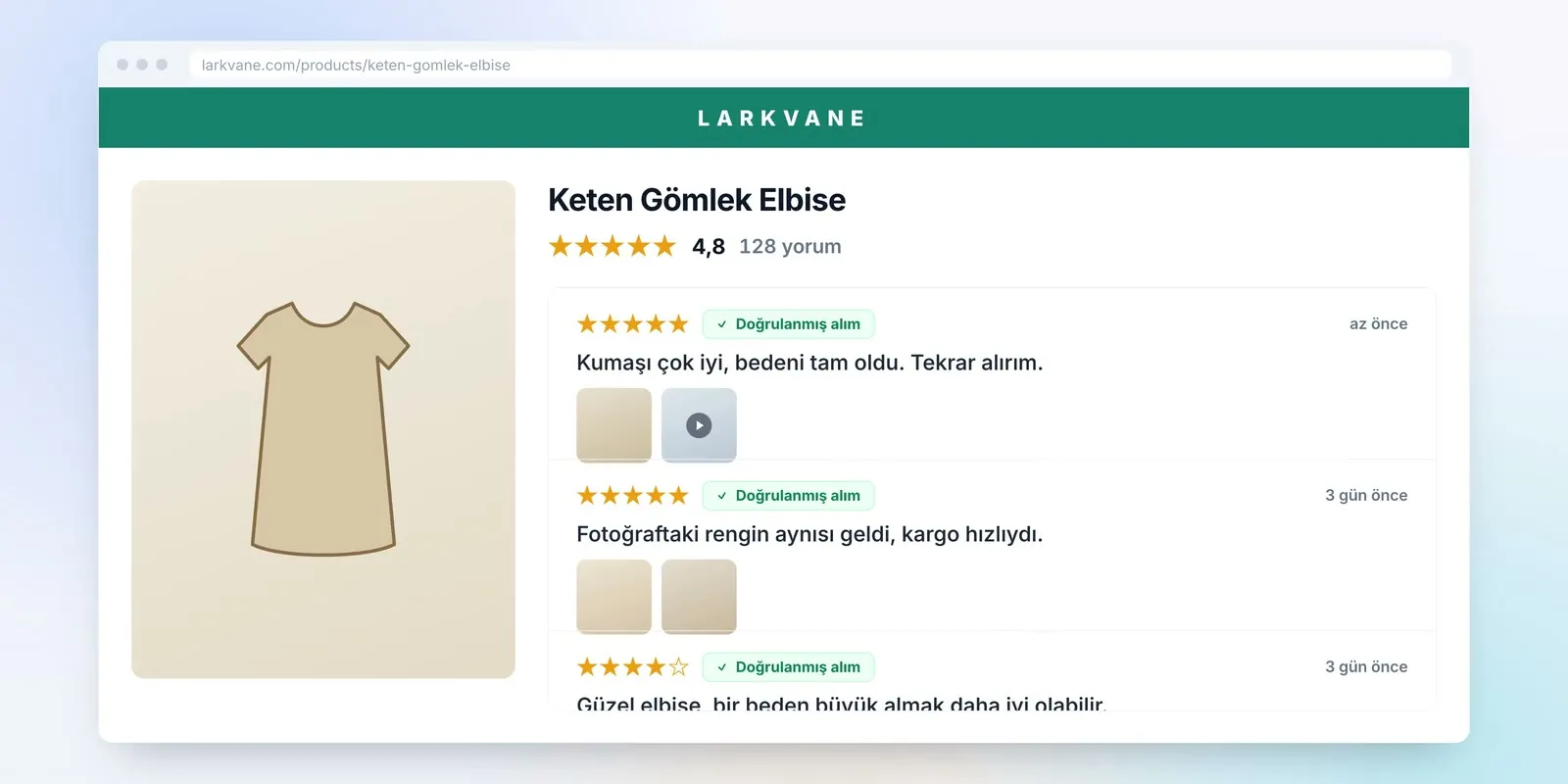
A verified purchase badge shows the review came from a real order.
New customers trust the word of past customers.
In the Panel
AI writes the reply as a draft, you give the approval.
Pending reviews in one inbox. Publish, reject, hide; all at once if you like.
- Pending, published, rejected and spam
- Bulk publish and hide
- Reply drafts in four tones: friendly, formal, apologetic, thankful
In your store
Reviews are requested automatically after each order.
The invite email and its reminder go out on the days you set. New reviews show on your product page once you approve them.
- Send and reminder days are up to you
- Photo and video uploads
- Star, list, grid and carousel layouts
What does verified purchase mean?
The review is matched to an order in which the reviewer actually bought that product, and a badge appears next to the review.
Can I bring over my old reviews?
Yes. Import Trendyol, İkas and Judge.me reviews with a CSV file. You see a preview first, then import.
Does the AI reply to reviews on its own?
No. The AI only prepares a reply draft. You're the one who reads it, edits it and publishes it.
How does it work with Flows?
If you also use Flows, the review invite lives there as a flow; edit it with blocks.
How much does it cost?
Get Product Reviews on its own or add it to the Panel + five add-ons bundle. Current pricing by currency is on the Pricing page.