 entrfy
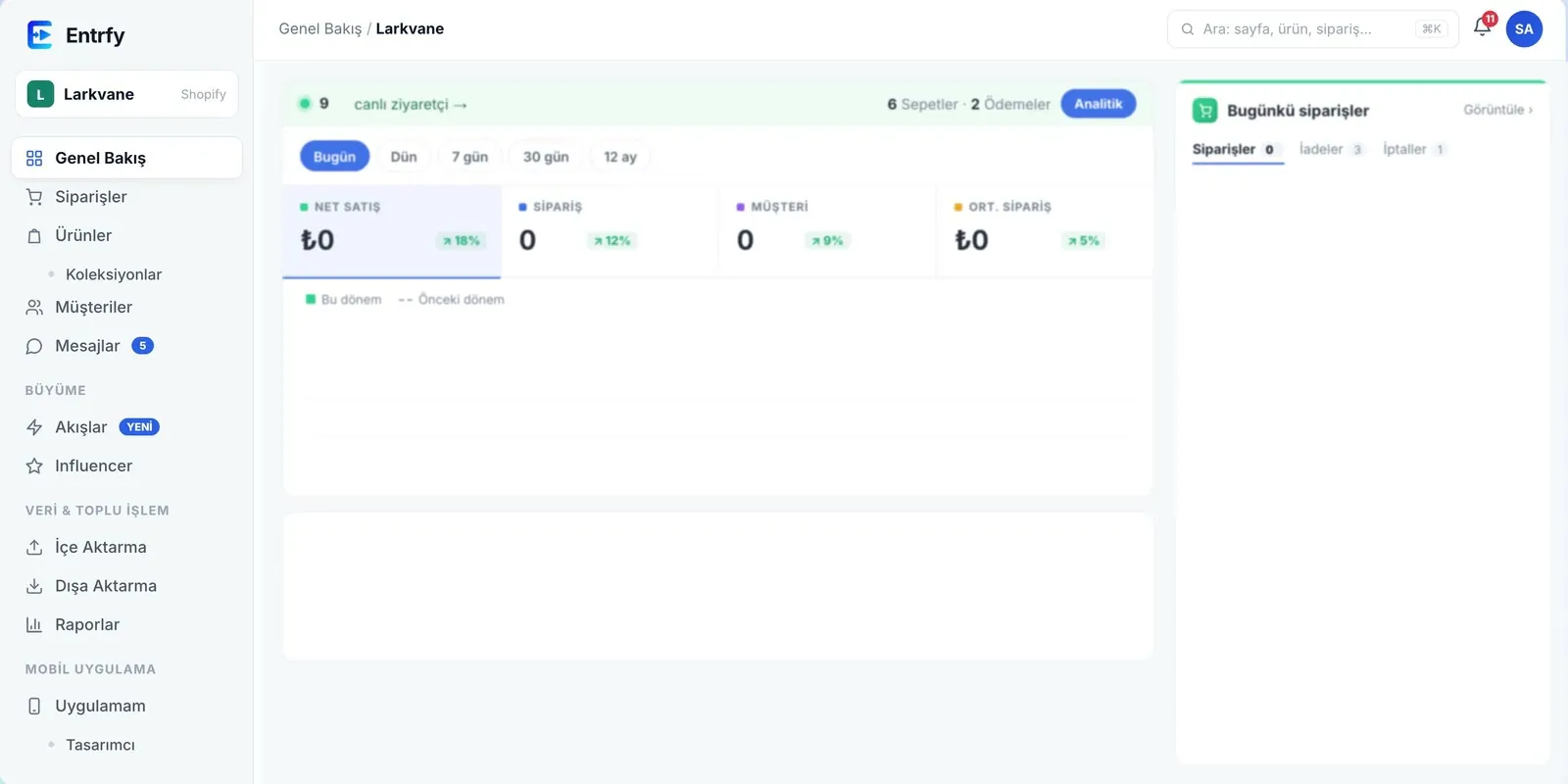 PanelAll in one Panel, one subscription.
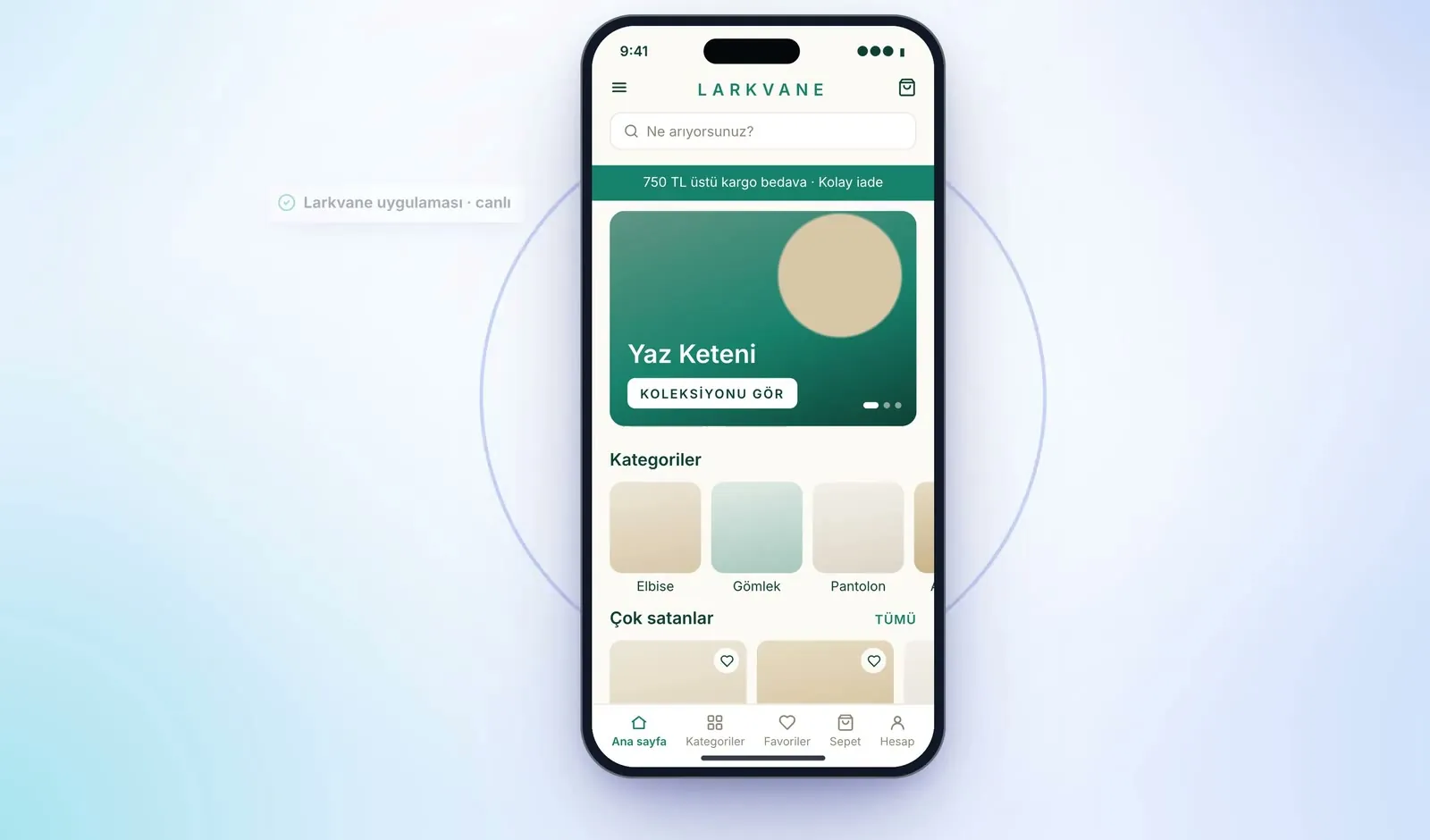 AppYour store, on your customer's home screen.
AppFAQ & Q&A
Answer a question once, and everyone sees it.
FAQs and product Q&A on your product pages. Customers ask, you answer; the answer is visible to everyone on that product's page.
Shopify app · Matches your theme · Admin in four languages
FAQ & Q&A at a glance
What it is
A separate Shopify app that adds FAQs, Q&A and a help button to your product pages.
Who it's for
Stores that write the same answer to the same question every day.
What it costs
Start on the free plan; AI features are on the higher plan. See the price on the Pricing page.
How do questions get onto the product page?
Click the steps to see a question turn into a public answer.
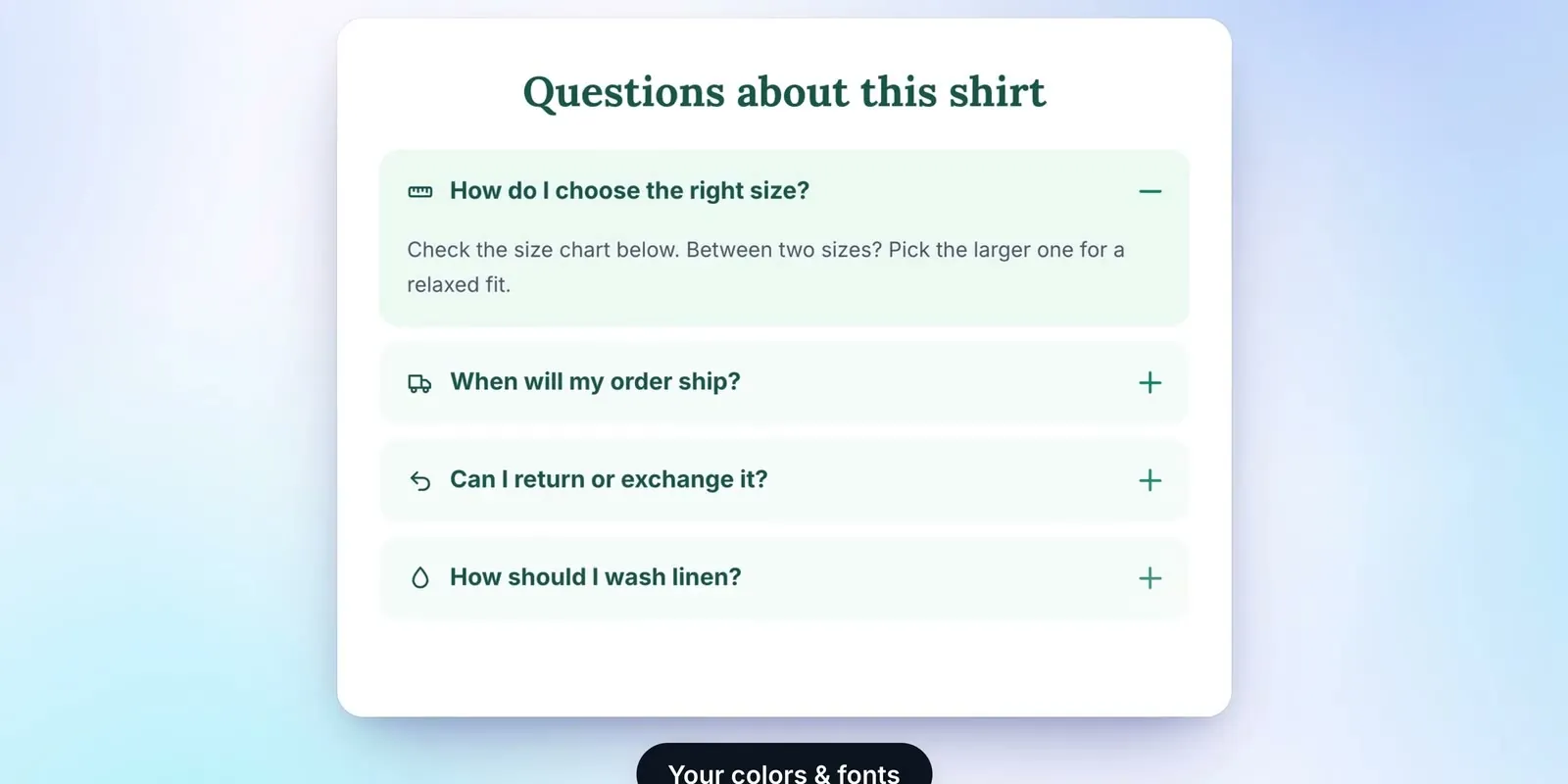
Pick one of the ready-made styles and match the colors and fonts to your theme.
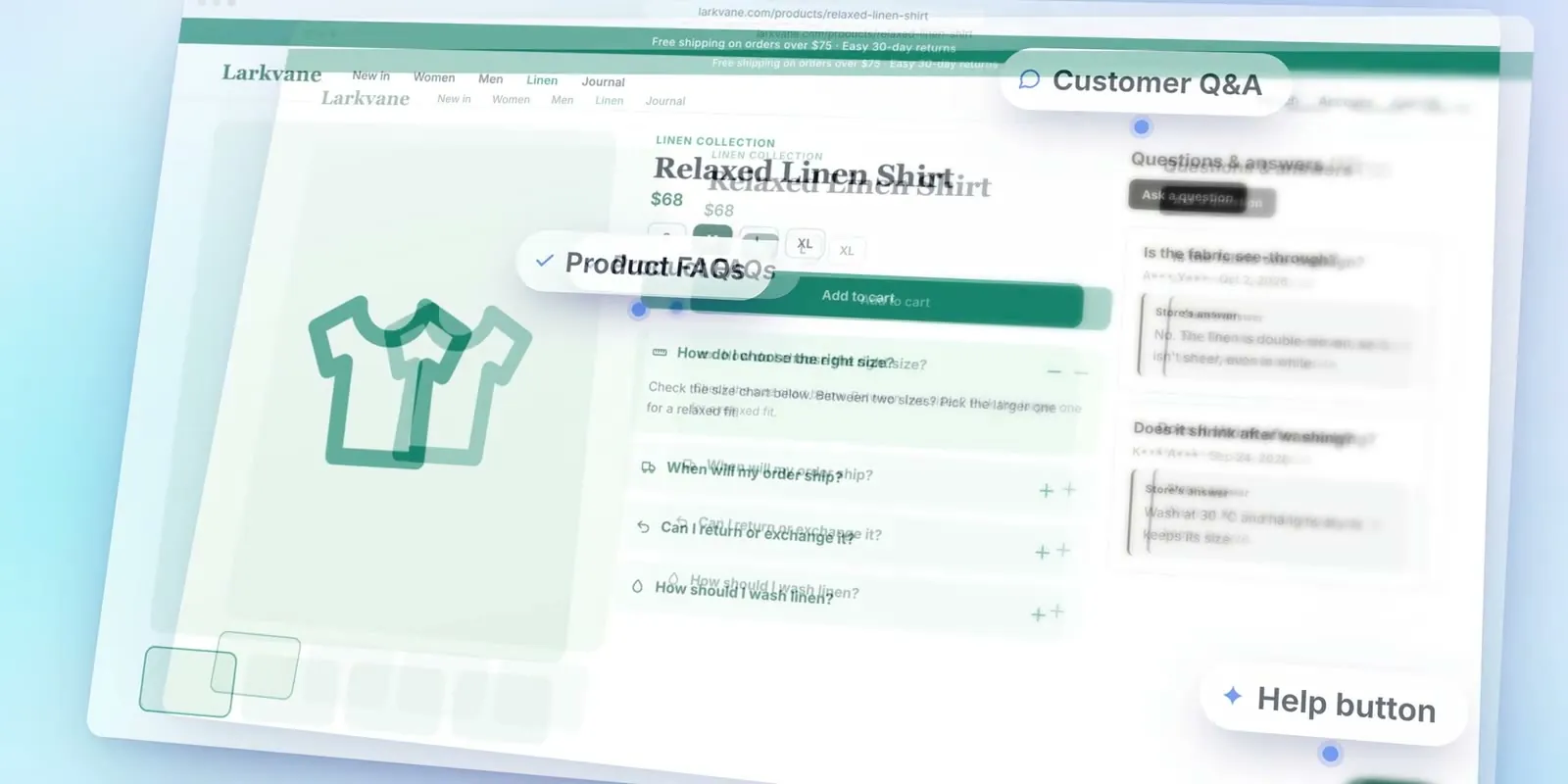
Link groups to products, collections or brands; each product shows its own questions.
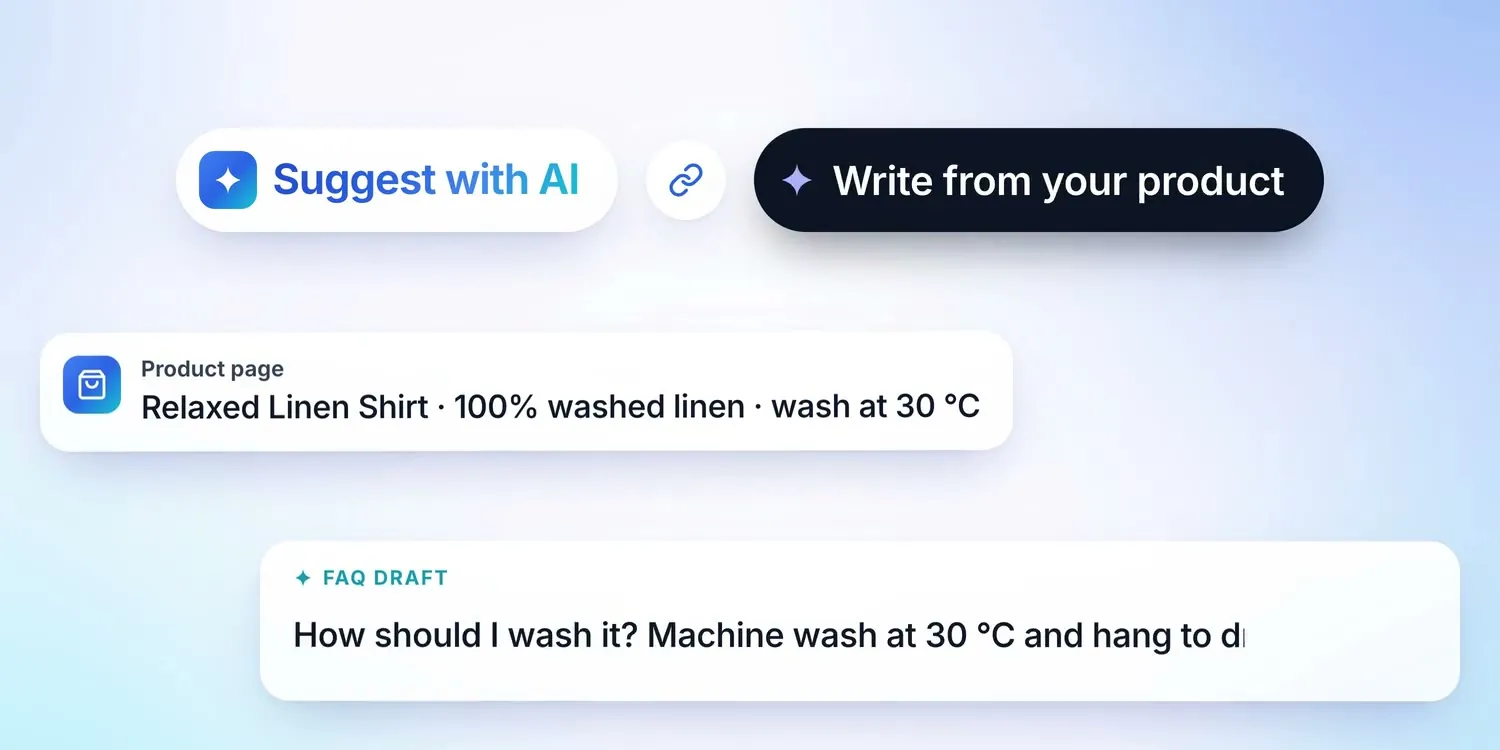
AI suggests and translates questions from product info; you read them before publishing.
Customers find the answer before they ask.
In your store
Questions match your theme and sit right next to the product.
A tab, a dropdown or a help button on the product page. Customers find the answer without leaving the page.
- Ready-made styles, your own colors and fonts
- Groups by product, collection or brand
- Product tabs and help button
AI
AI drafts it, you publish it.
It suggests questions from the product description and translates the ones you write into other languages. Nothing is published until you approve it.
- Question suggestions from product info
- One-click translation
- Help panel answers only from your own answers
How do I answer a customer's question?
Write your answer to the product's Q&A, to the FAQs, or privately to the customer. Private replies go out from your own email app.
Does the AI make up answers for customers?
No. The AI in the help panel only answers from questions you've published; if it doesn't know, it says so.
Does it work without the Entrfy Panel?
Yes. FAQ & Q&A is a separate app installed on Shopify.
Can I upload my questions in bulk?
Yes. Import them with a CSV file and export whenever you like.
How much does it cost?
Start on the free plan; view limits and AI features depend on the plan. Current pricing is on the Pricing page.