 entrfy
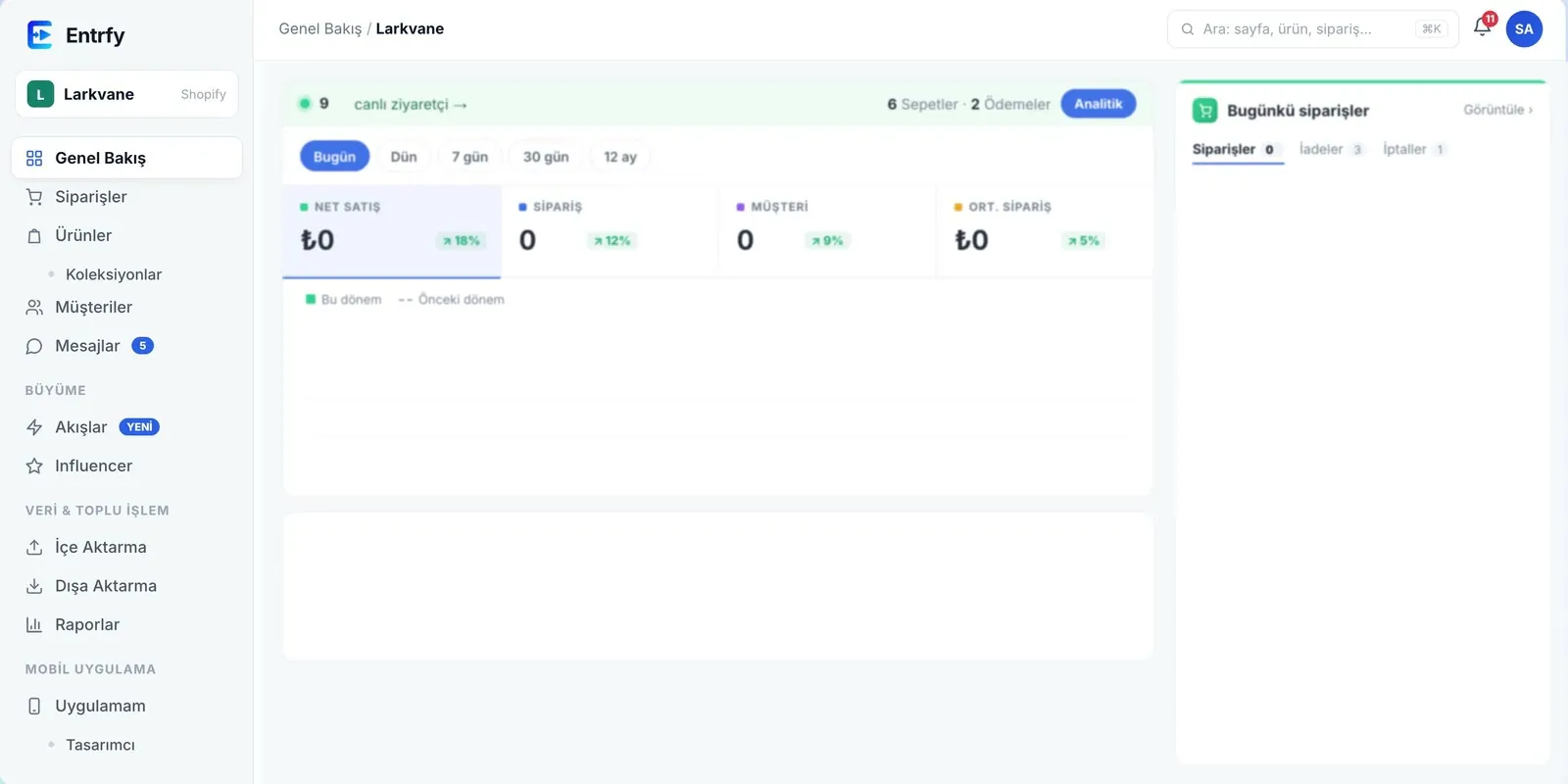 PanelAll in one Panel, one subscription.
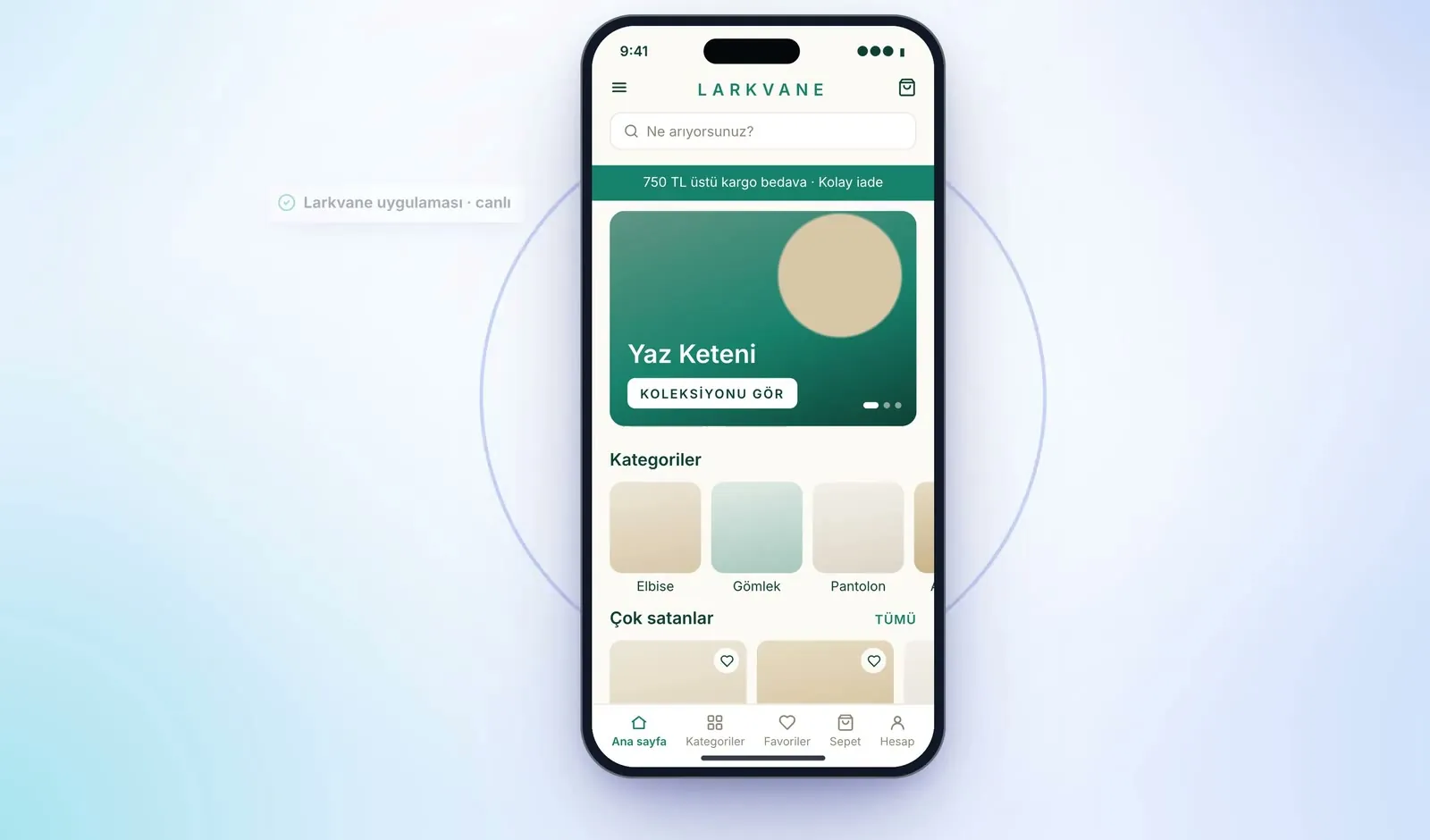 AppYour store, on your customer's home screen.
Add-onBack in Stock
Sold out today, sold the day it's back.
When a product sells out, customers tap “Notify me”. The moment stock arrives, everyone waiting gets an email, and the sale doesn't go to another store.
Works in your Shopify theme · No code needed · Managed from the Panel
Back in Stock at a glance
What it is
A “Notify me” button added to your Shopify theme, and an email that goes out automatically when stock arrives.
Who it's for
Stores whose products often sell out because of sizes, colors or limited runs.
What it costs
Get it on its own or add it to the Panel + five add-ons bundle. See the price on the Pricing page.
What happens when a product sells out?
Click the steps to see how a sold-out product gets back to selling.
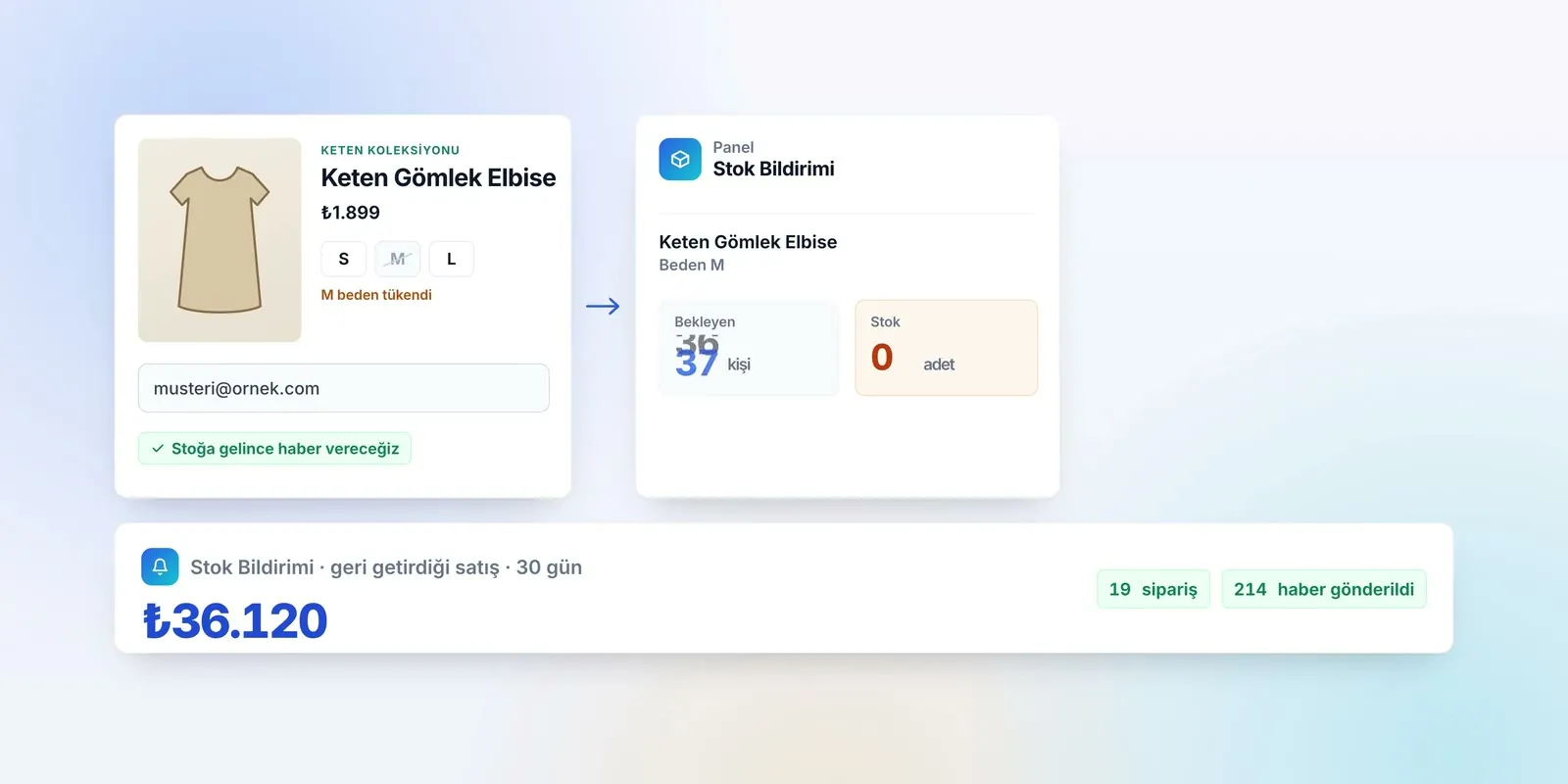
The customer leaves their email address; the size they're waiting for is saved.
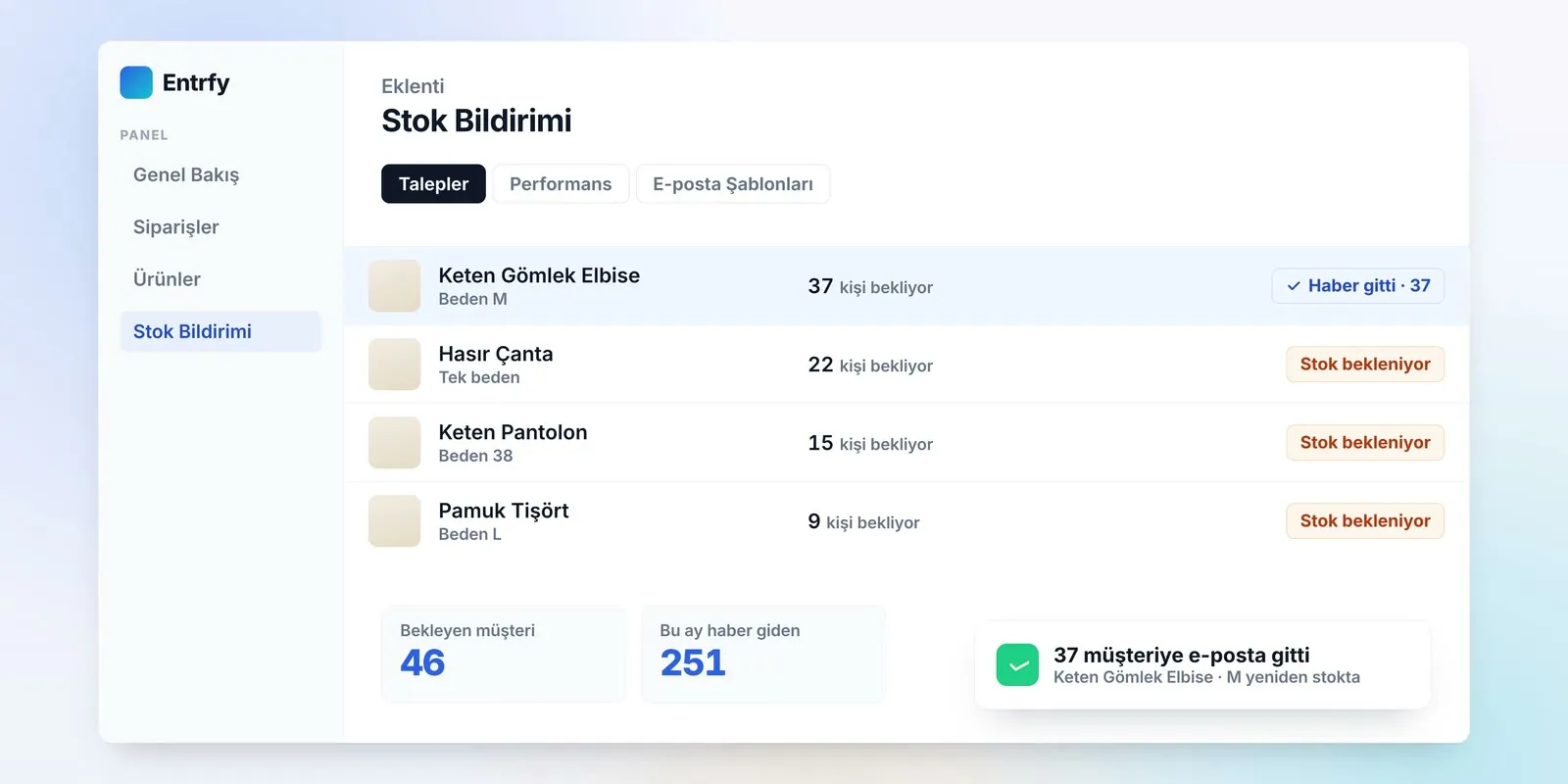
The moment stock goes above zero, the email goes out automatically.
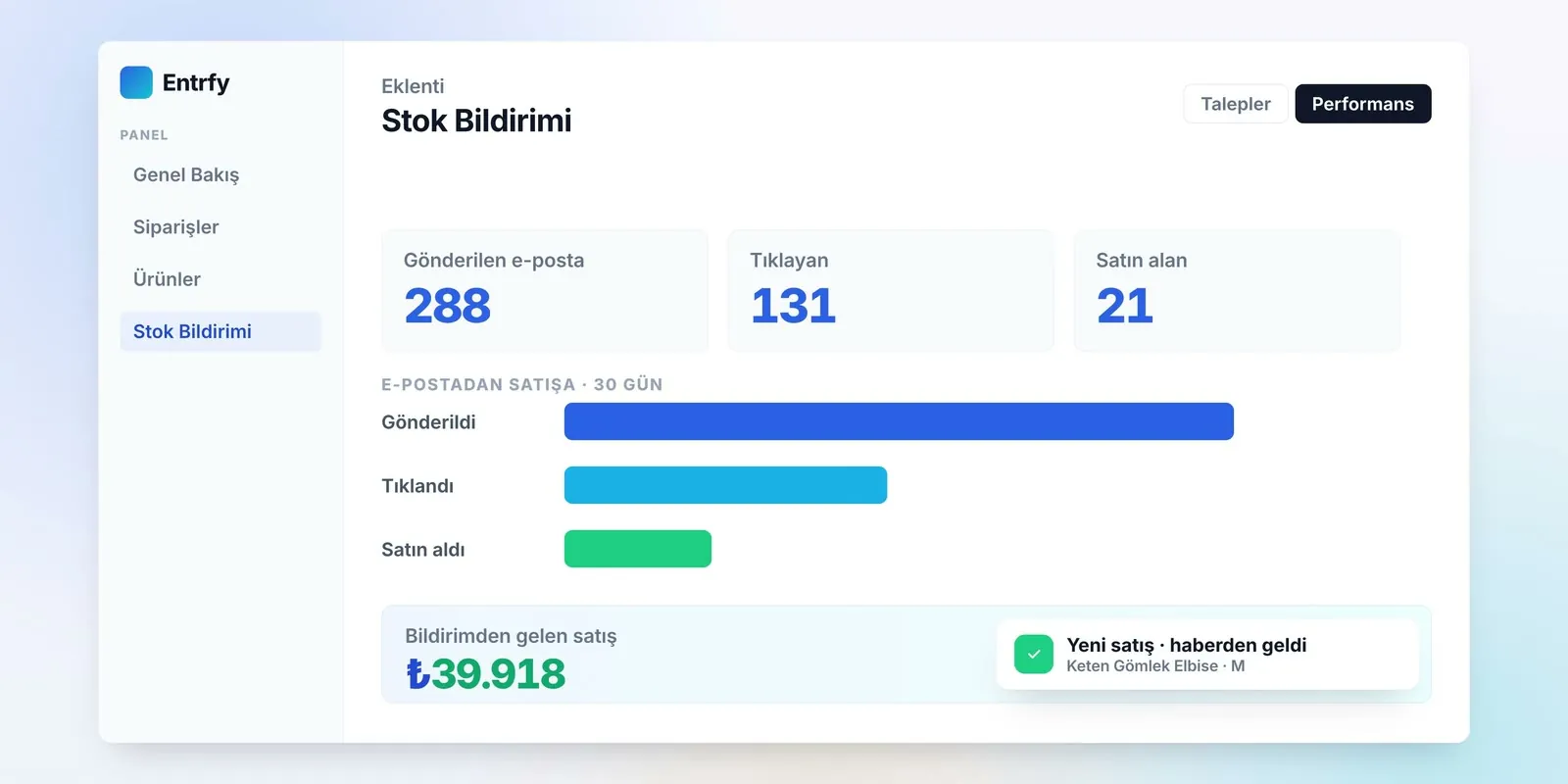
See in the Panel which emails were opened and turned into sales.
Customers don't leave because it's sold out; they wait in line.
In the Panel
See how many people are waiting for each product.
The most-awaited products and sizes are at the top of the list. You know what to restock first, in order, not by guessing.
- Waiting count per product and size
- The email goes out automatically when stock arrives
- Send the alert manually if you prefer
Results
See the sales from alerts in numbers.
Sent, clicked and purchased: every step from email to sale on one screen.
- Sent, clicked, purchased
- Revenue from alerts
- Most-awaited products
How are customers notified?
By email. When a product's stock goes above zero, everyone waiting for it is notified automatically.
How does it work with Flows?
If you also use Flows, the back-in-stock alert lives there as a flow. Edit it with blocks and add another step if you like.
Is there protection against fake sign-ups?
Yes. You can require a confirmation email; sign-ups from the same email and same connection are limited, and you can block addresses you don't want.
Can I change the email?
Yes. Edit the subject, body and sender name from the Panel.
How much does it cost?
Get Back in Stock on its own or add it to the Panel + five add-ons bundle. Current pricing by currency is on the Pricing page.