 entrfy
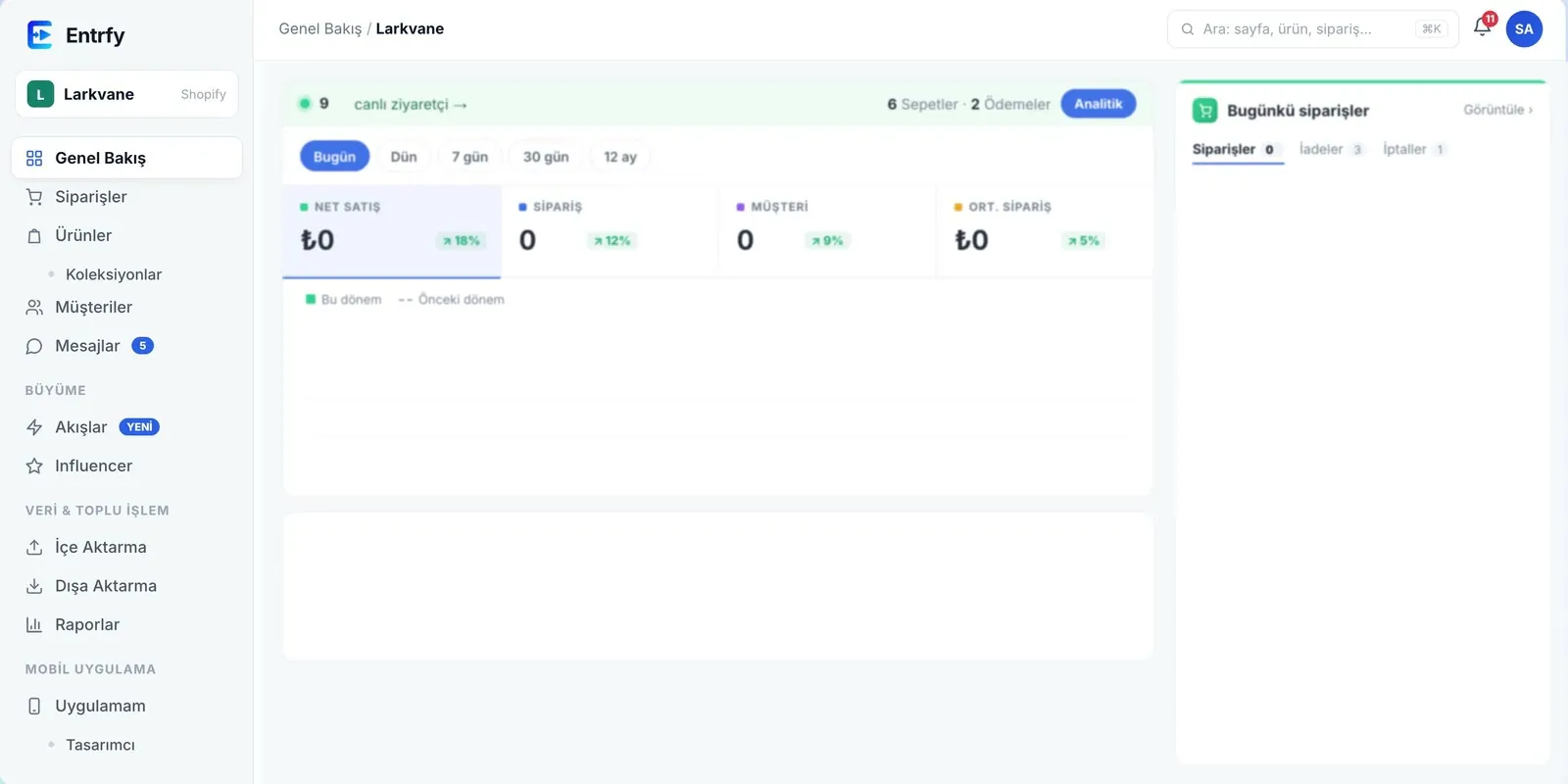 PanelAll in one Panel, one subscription.
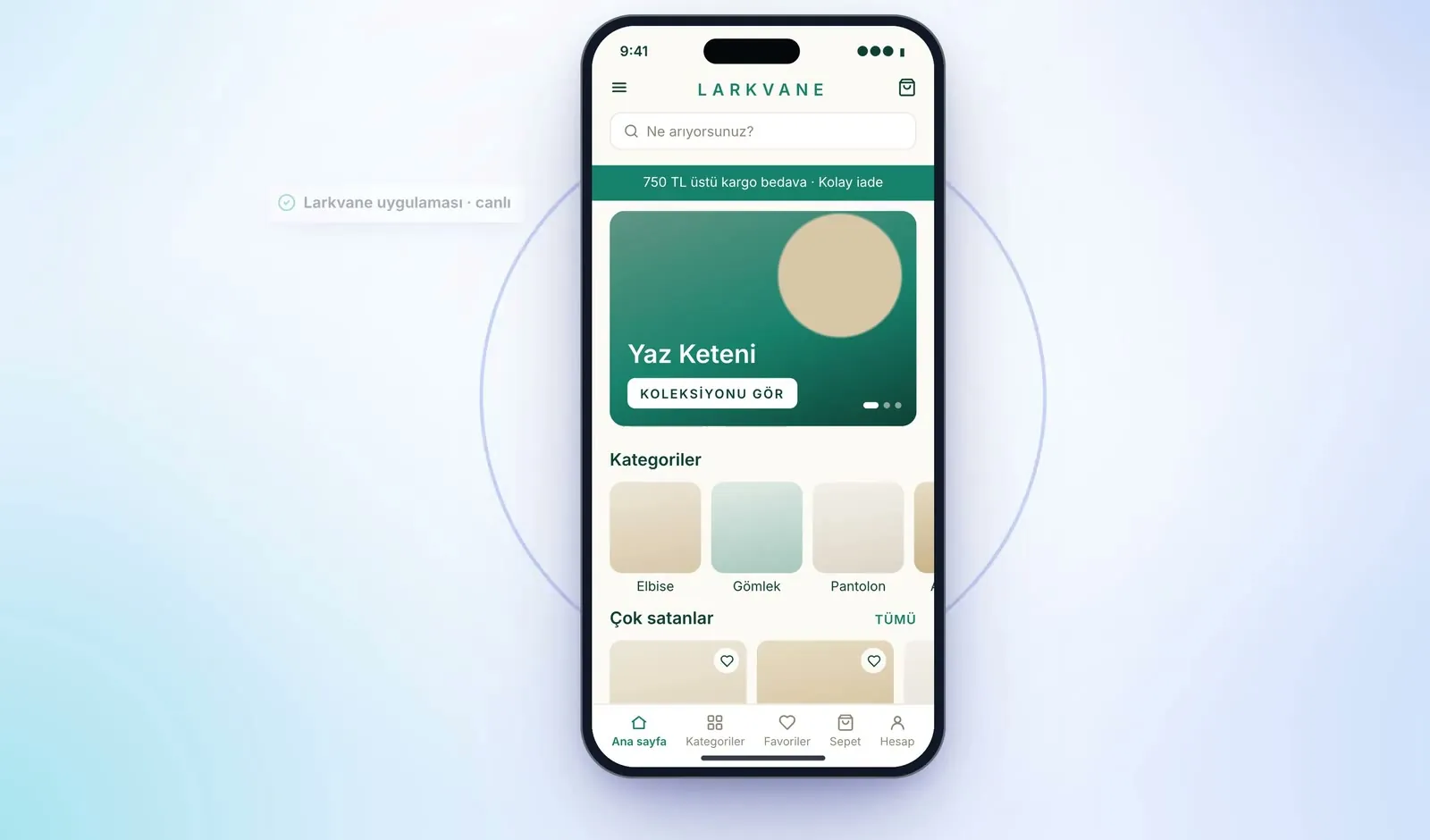 AppYour store, on your customer's home screen.
AppMessages
Every message in one inbox.
Questions from WhatsApp, Instagram, Messenger and Telegram land on the same screen. See the order alongside and reply in seconds with saved replies.
WhatsApp · Instagram · Messenger · Telegram · Email · Live chat
Messages at a glance
What it is
An app that brings customer messages into one inbox. The customer's orders sit right next to the conversation.
Who it's for
Stores that get dozens of questions a day and don't want to lose sales to slow replies.
What it costs
Sold separately from the Panel. Write to us for a quote.
Inbox
No matter which channel they write from.
Every conversation in one list. See who asked what at a glance.
- Questions are tagged by topic: product question, payment, return
- Open, pending and resolved conversations sit in separate tabs
No question goes unanswered.
When business hours end, an automatic reply kicks in. In the morning, you pick up where you left off.
Order details
The answer to the shipping question is already on screen.
When the customer types their order number, the order, payment status and tracking number open next to the conversation.
- Send the tracking link and order summary in one click
- When the order ships, the customer gets a WhatsApp update
Saved replies
Answer common questions with one key.
Type a slash in the message box and your saved replies open. Pick one and send.
- Assign a conversation to a teammate or leave a note for the team
- WhatsApp's 24-hour free reply window is shown on screen
AI
AI writes the draft, you send it.
A reply draft is ready in seconds. It writes to international customers in their own language; you read it before sending.
Which channels can I connect?
WhatsApp, Instagram, Messenger, Telegram, email and live chat on your site.
Can I use it with my team?
Yes. Assign a conversation to a teammate and leave notes only your team can see.
Will the AI send messages on my behalf?
No. It only prepares a draft; you're the one who hits send.
How is it different from Flows?
Messages is for replying to what customers write. Flows sends messages to your customers on its own, at the right moment.
How much does it cost?
Messages is sold separately from the Panel. Write to us for a quote.