 entrfy
Panel
Corein every bundle
Your store's daily work in one Panel.
- Orders, shipping and invoicing
- Products and customers
- Sales channels
- Reports
What's in the Panel
OrdersYour Shopify and Trendyol orders in one list.Shipping and invoicingLabels, tracking numbers and invoices, done automatically.MessagesWhatsApp, Instagram and Telegram in one inbox.ReportsYour sales, products and customers on one screen.CustomersEvery customer's orders and conversations in one place.Sales channelsTrendyol orders, Hepsiburada catalog.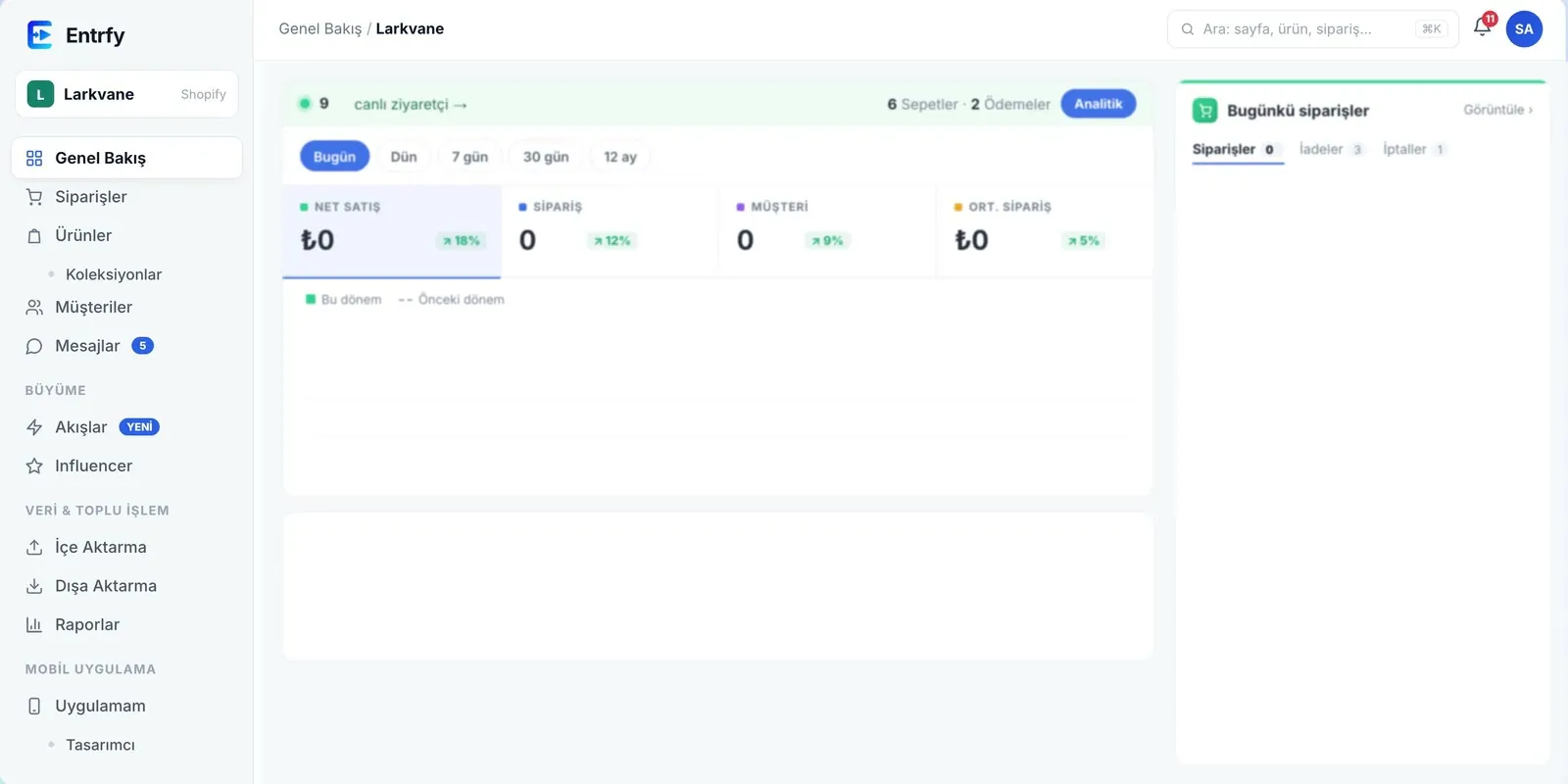 PanelAll in one Panel, one subscription.See pricing
Sales tools added to your theme
Back in StockWhen a product is back in stock, waiting customers get notified.FavoritesBrings back customers who liked a product and left, with a discount alert.Product ReviewsStar ratings and photo reviews on your product pages.CampaignsPublish a campaign banner without touching your theme code.BehaviorSee what visitors are looking at, live.FormsAdd forms to your store and collect responses in the Panel.Cookie ConsentGet cookie consent from visitors with a banner that matches your theme.Standalone products
Mobile AppYour iOS and Android app, built from your theme.FlowsPush notifications, WhatsApp and email go out automatically.MessagesAll customer messages in one inbox.FAQ & Q&AQ&A and FAQs on your product pages.Influencercoming soonTrack sales that come in through discount codes.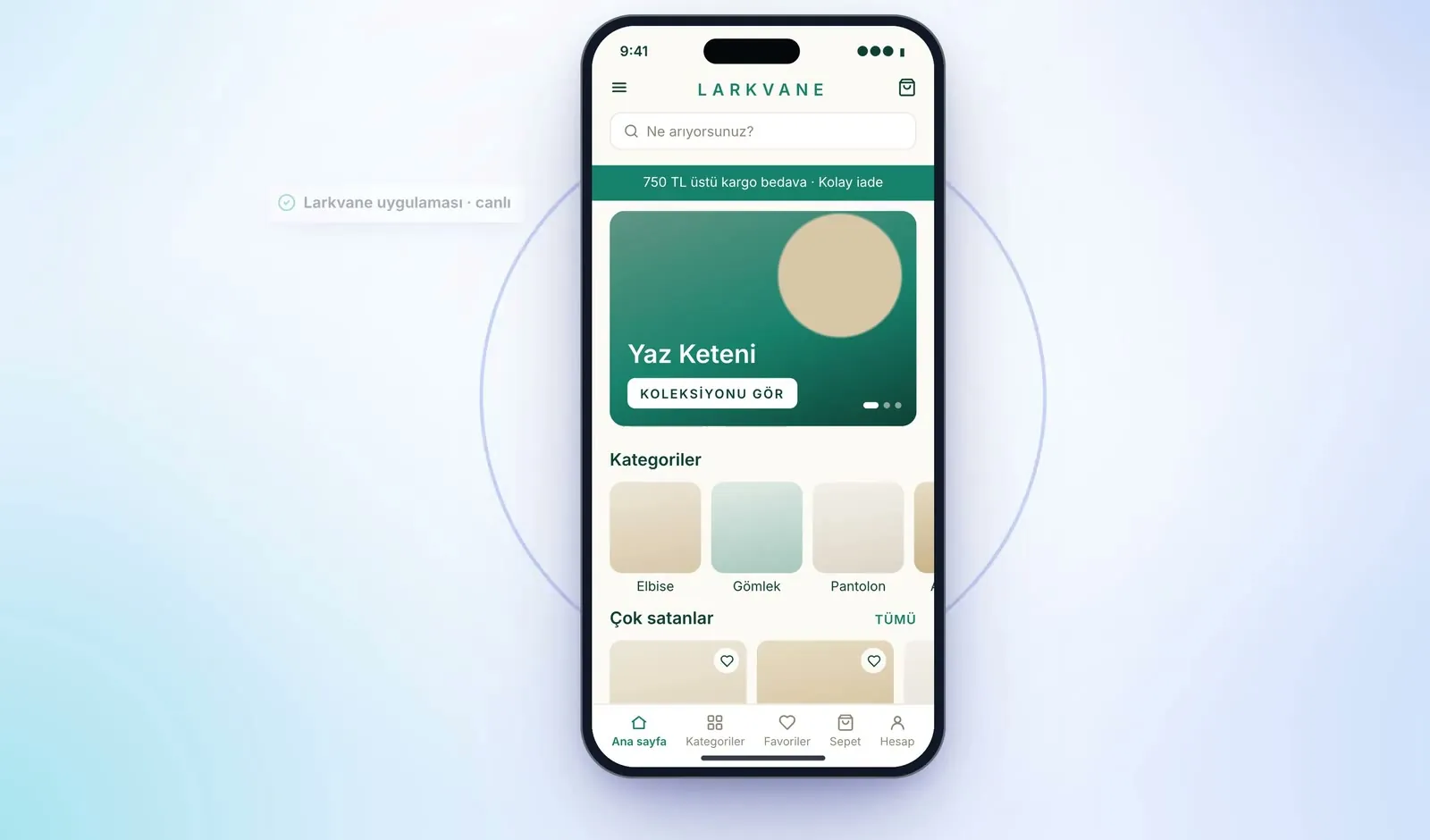 AppYour store, on your customer's home screen.Mobile App
Orders, shipping, invoicing, customer messages, a mobile app and automated flows in one place.
Connects to Shopify · 7 add-ons · 5 apps
 Shopify


 WhatsApp
 Instagram
 Messenger
 Telegram
Shopify makes the sale. Entrfy handles what comes after.
Pick a situation and see Entrfy's impact on your sales and workload.
The customer can't find the product and leaves the page. They never hear when it's back in stock.
The customer taps “Notify me”. The moment stock arrives, they're notified automatically.
Missed sales come back.
The cart just sits there. To send a reminder, you have to reach out to customers one by one.
The flow sends a push notification first. If it isn't opened, WhatsApp steps in, then email.
Abandoned carts turn into orders.
You ask for the order number, look it up on the carrier's site and type the answer by hand.
The customer's order and shipping status open right next to the message. The answer is ready.
Replying takes one click.
Your announcement gets lost among the other messages in the inbox.
A notification with their own name lands on the lock screens of the customers you pick.
One tap and the customer is back in your store.
You prepare the shipment, label and invoice separately for every order.
Once an order is confirmed, a shipment is created; the label and invoice are prepared automatically.
All that's left for you is handing over the package.
Add-ons work in your Shopify theme. Turn them on without code and manage them from the Panel.
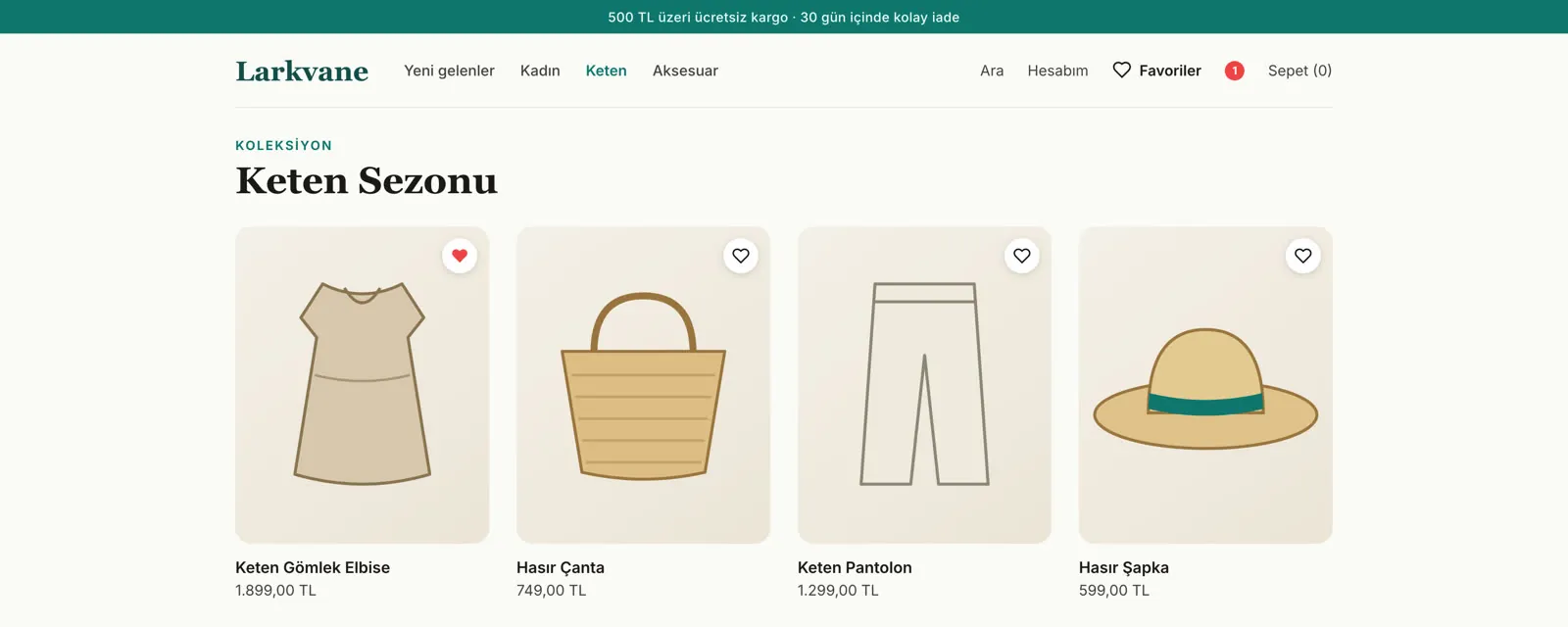
Customers add products they like to their favorites. When a product goes on sale, or sits waiting in their list, they're notified automatically.
Star ratings and photo reviews show on your product pages. You decide which reviews get published.
Write your campaign banner, pick its color and the pages it shows on, and publish. No need to touch your theme code.
Other add-ons: Back in Stock, Forms, Behavior and Cookie Consent. My Account 2.0 is coming soon.
With the Mobile App and Flows, you reach customers even after they leave your site.
Mobile App
Your app comes ready with your theme's colors and menu. Design your iOS and Android app from one screen.
Drag sections into order, test on your own phone and publish in one click.
Pick who it goes to, write your notification and send it. See how many orders each notification brings in.
Flows
Birthday greetings, cart reminders, welcome messages. You pick the event, the condition and the channel; the rest runs automatically.
Start from a ready-made template or build the flow yourself, step by step: wait, condition, push, WhatsApp, email.
Customers who don't open the notification get a WhatsApp message; those who don't read that get an email. The flow stops when the customer places an order.
See how many people each flow reached and how much it sold, in one table.
WhatsApp, Instagram and Telegram messages in one inbox. AI drafts the reply, you approve and send it.
Q&A and frequently asked questions on your product pages. Customers find the answer they need before they buy.
Create a dedicated discount code for each influencer; track the sales and commission from that code on one screen.
Orders, products, customers, messages, campaigns and reports, all in the same Panel. Click a screen to enlarge it and play.
In Türkiye, prices are in Turkish lira; in other countries they're shown in euros, pounds, Swiss francs or dollars.
Your store's daily work in one Panel.
Add them one by one. Pick five add-ons with the Panel and bundle pricing applies.
Each app has its own monthly fee.
Entrfy is a sales and operations panel for Shopify stores. It brings orders, shipping, invoicing and customer messages into one place, and adds add-ons and apps that grow your store's sales.
No. Your store stays on Shopify. Entrfy connects to Shopify and adds tools it doesn't offer.
An add-on works inside your Shopify theme and is managed from the Panel. An app is a standalone product, like Mobile App, Messages and Flows. Apps work best alongside Entrfy, but can also be used on their own.
No. Each store's data and connections are kept in its own account. One store's shipping, invoicing or messaging account never shows up in another store.
Turkish, English, German, Arabic, Spanish and Italian.
Your cookie choice
With your permission, we use analytics cookies to improve the site. We don't use advertising cookies.
Details