 entrfy
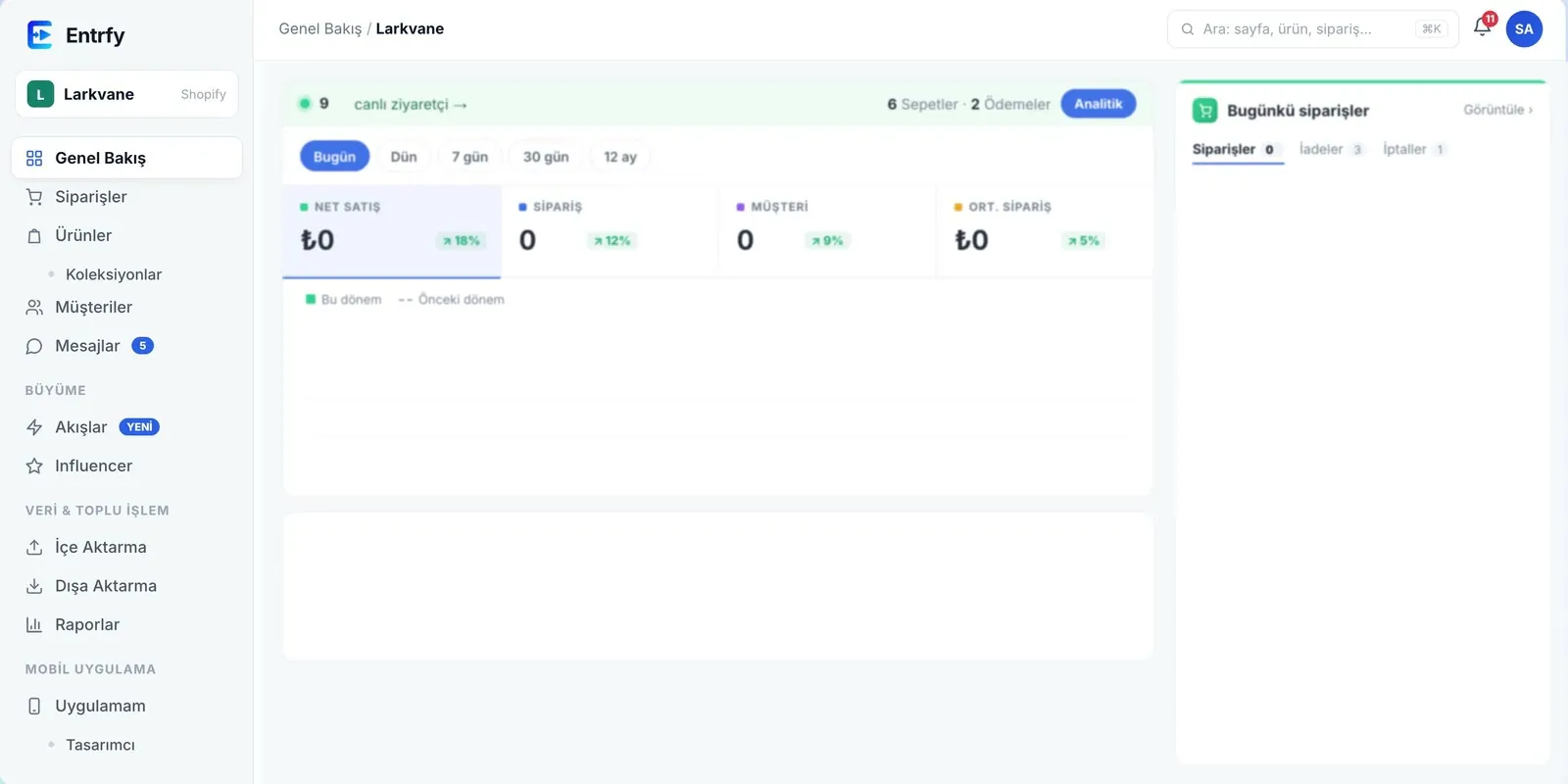 PanelAll in one Panel, one subscription.
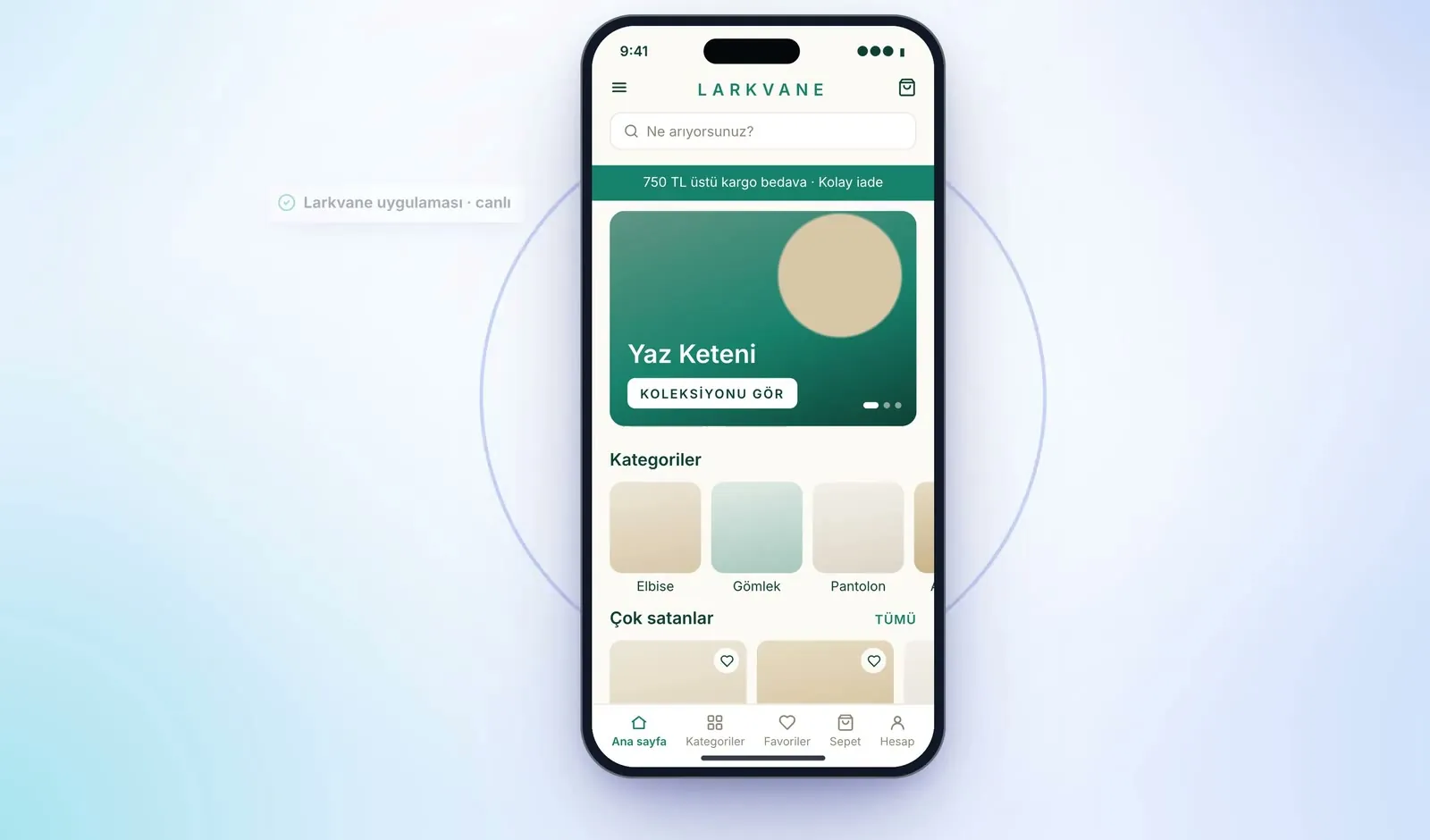 AppYour store, on your customer's home screen.
Add-onForms
Don't let customer questions get lost in your email.
Add a contact, return or wholesale request form to your store. Every message lands in one inbox in the Panel, where you reply and follow it through to the end.
Works in your Shopify theme · No code needed · Managed from the Panel
Forms at a glance
What it is
A form builder added to your Shopify theme, plus an inbox in the Panel where submissions are collected.
Who it's for
Stores whose contact emails are scattered and who want to keep track of requests.
What it costs
Get it on its own or add it to the Panel + five add-ons bundle. See the price on the Pricing page.
What happens when a customer submits a form?
Click the steps to see how a message gets to a reply.
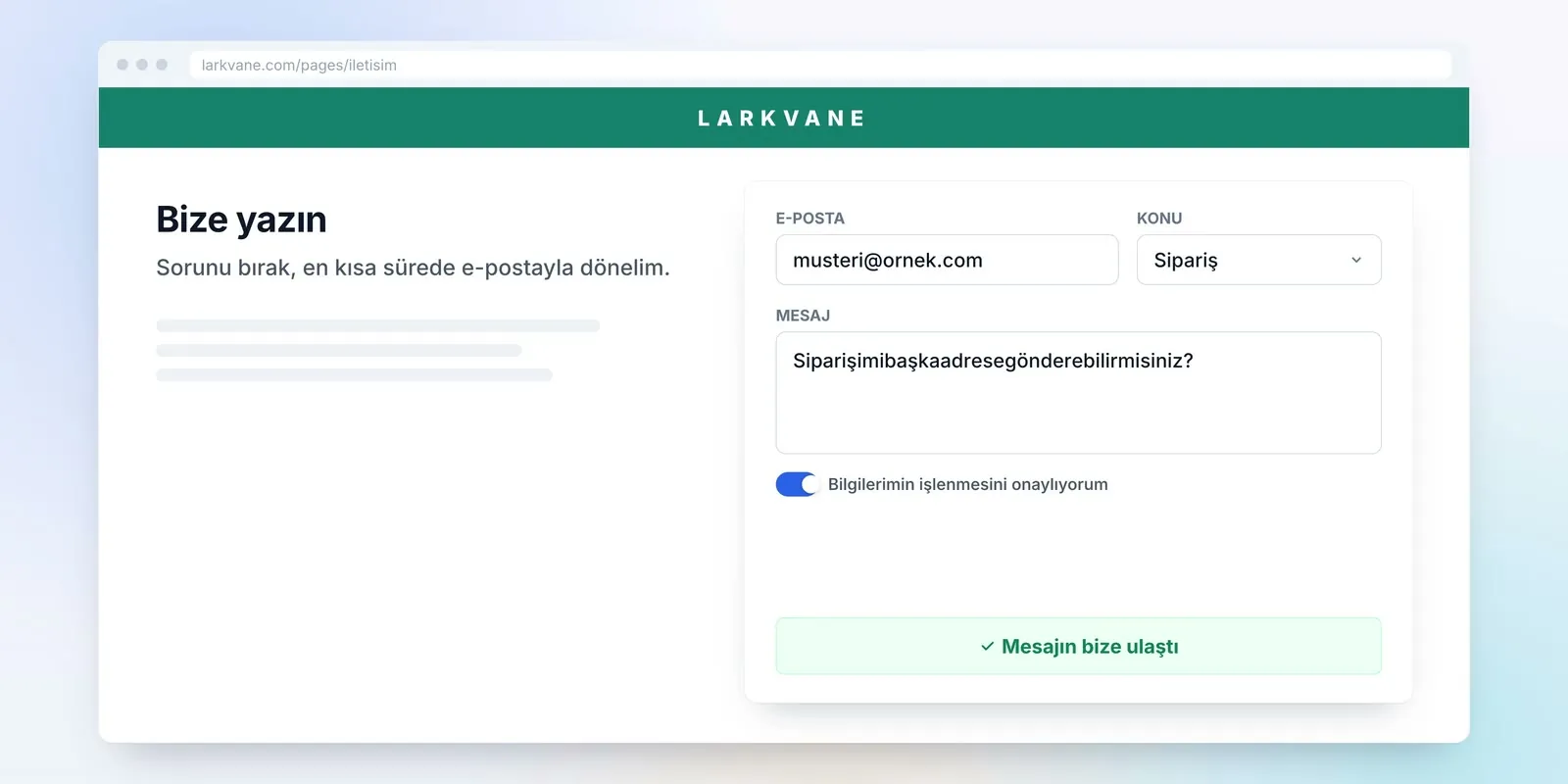
The form opens inline on the page or from a corner button.
You get an email notification; the customer gets a “we got your message” email.
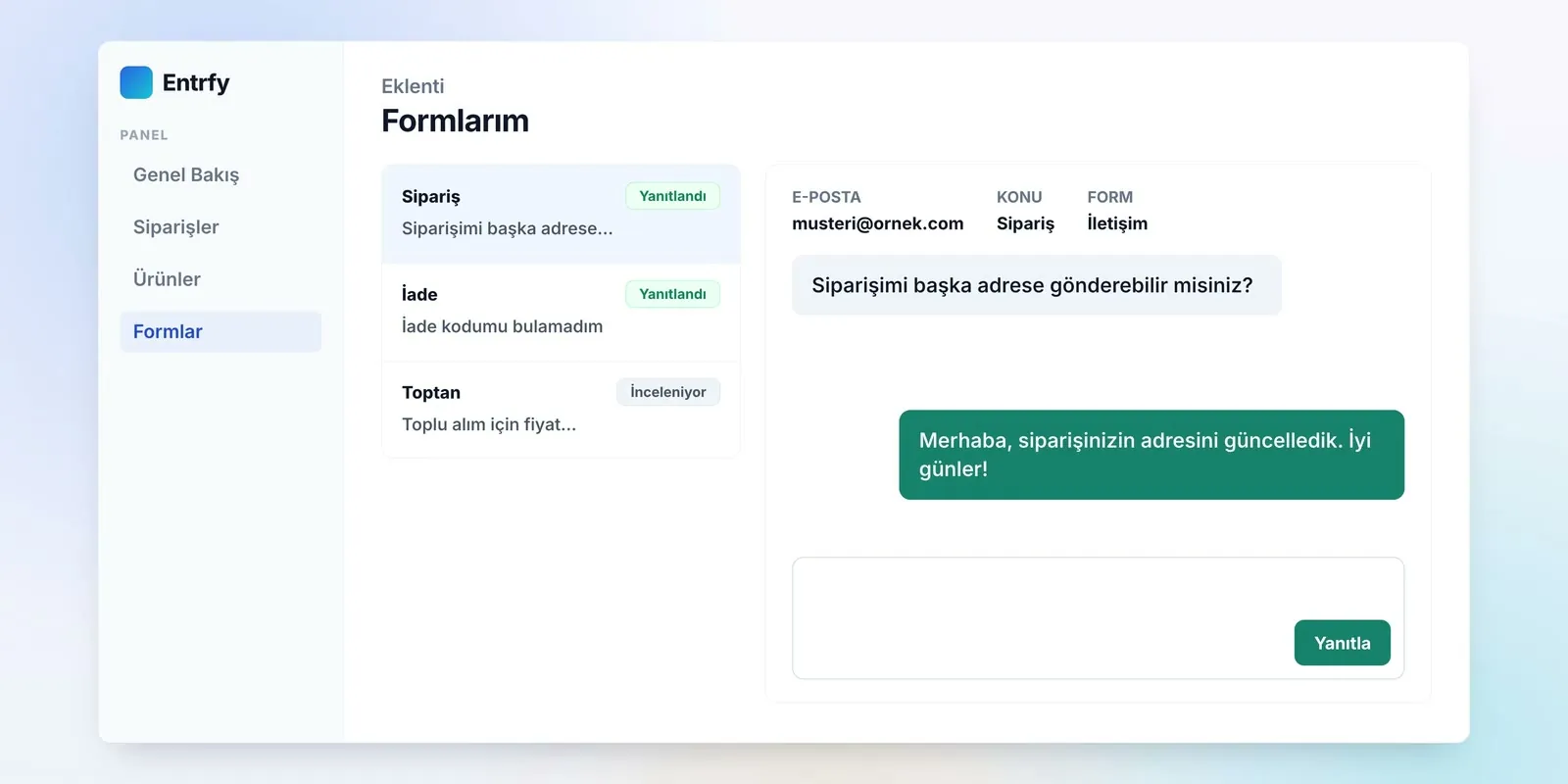
Every case is tracked as open, in review, replied or closed.
Every message in one inbox; none go unanswered.
In your store
Build your form from a ready-made template.
Pick the fields, reorder them and publish. The form sits inside your theme, in your theme's colors.
- Text, choice, date, file and checkbox
- Inline on the page or a corner button
- Bot filter and submission limit
In the Panel
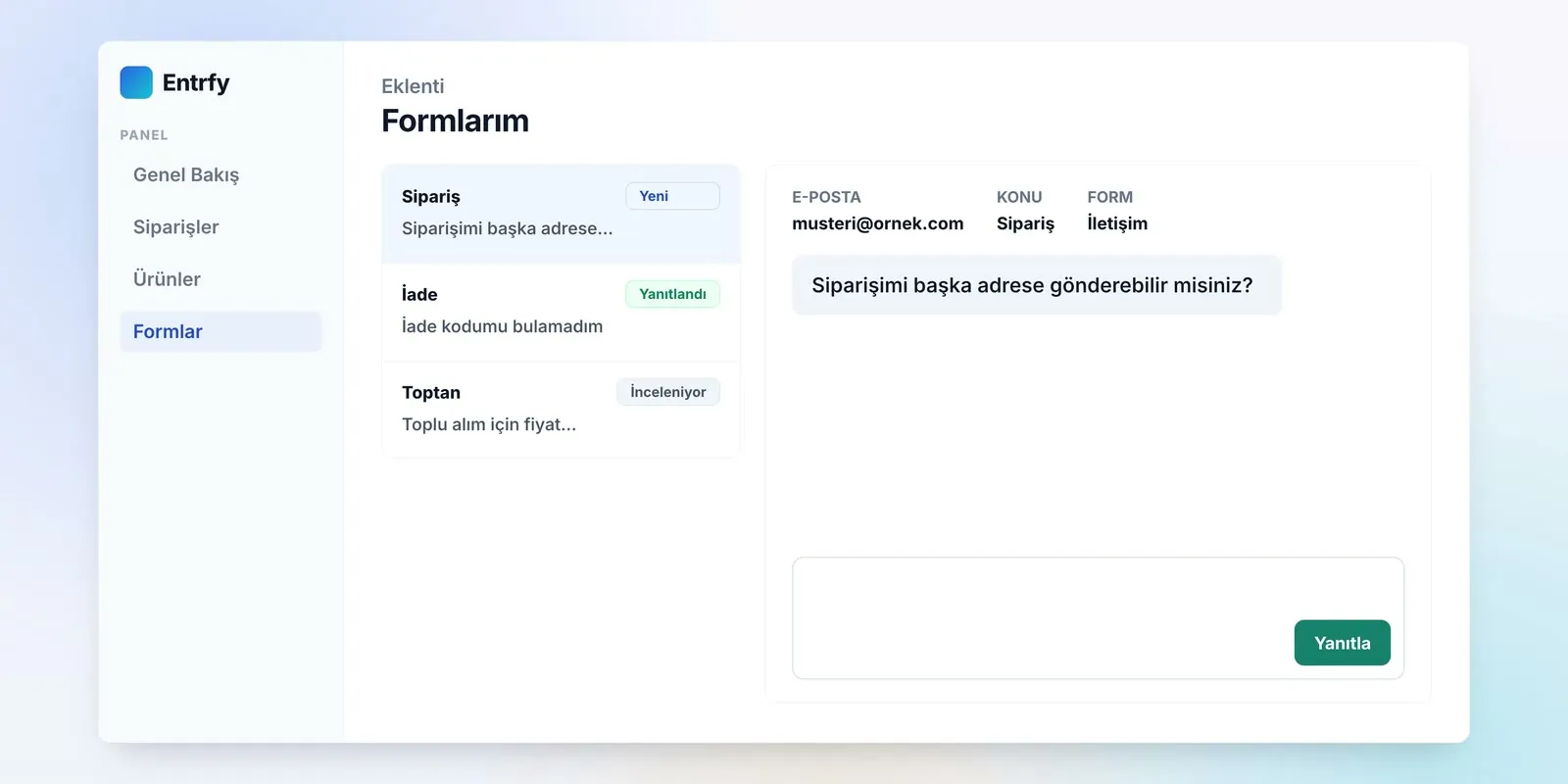
Write your reply from the Panel; the case stays tracked.
All submissions in one list. Who wrote, what they asked for, whether they got a reply, at a glance.
- Open, in review, replied, closed
- Spam is kept separate
- In the same inbox if you use Messages
Which forms can I build?
Contact, returns, wholesale, applications; build any form you need with the fields you need.
Can customers attach files?
Yes. Add a file field to the form and customers can upload a photo or document.
Will I get spam?
A bot filter, a hidden honeypot field and a submission limit cut spam; anything that slips through goes to a separate list.
Can I translate the form into other languages?
Yes. Translate form text from the Panel; visitors see it in their own language.
How much does it cost?
Get Forms on its own or add it to the Panel + five add-ons bundle. Current pricing by currency is on the Pricing page.