 entrfy
Favorites
Brings back customers who liked a product and left, with reminders and discount alerts.
ExploreWhat's in the Panel
OrdersYour Shopify and Trendyol orders in one list.Shipping and invoicingLabels, tracking numbers and invoices, done automatically.MessagesWhatsApp, Instagram and Telegram in one inbox.ReportsYour sales, products and customers on one screen.CustomersEvery customer's orders and conversations in one place.Sales channelsTrendyol orders, Hepsiburada catalog.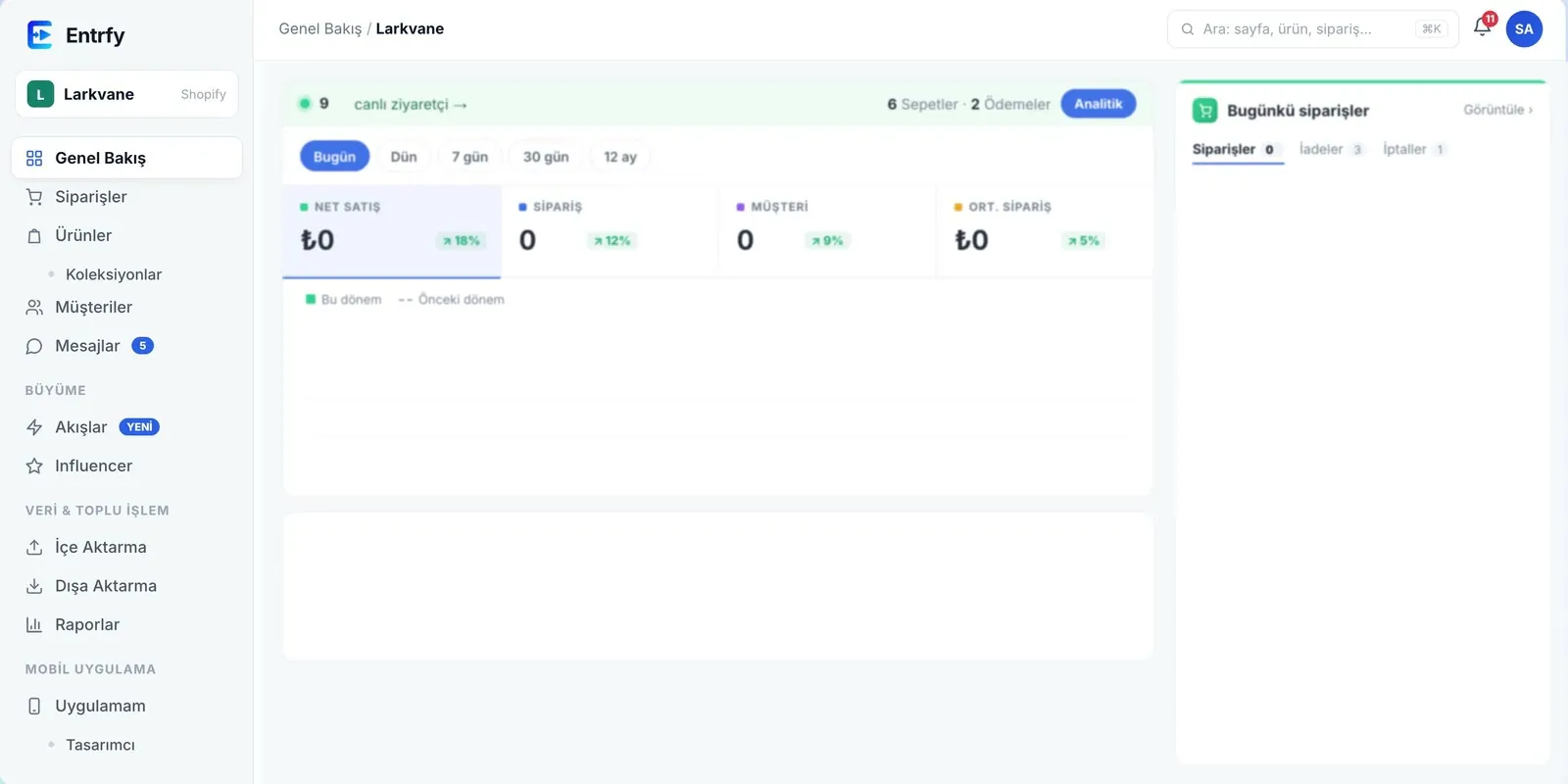 PanelAll in one Panel, one subscription.See pricing
Sales tools added to your theme
Back in StockWhen a product is back in stock, waiting customers get notified.FavoritesBrings back customers who liked a product and left, with a discount alert.Product ReviewsStar ratings and photo reviews on your product pages.CampaignsPublish a campaign banner without touching your theme code.BehaviorSee what visitors are looking at, live.FormsAdd forms to your store and collect responses in the Panel.Cookie ConsentGet cookie consent from visitors with a banner that matches your theme.Standalone products
Mobile AppYour iOS and Android app, built from your theme.FlowsPush notifications, WhatsApp and email go out automatically.MessagesAll customer messages in one inbox.FAQ & Q&AQ&A and FAQs on your product pages.Influencercoming soonTrack sales that come in through discount codes.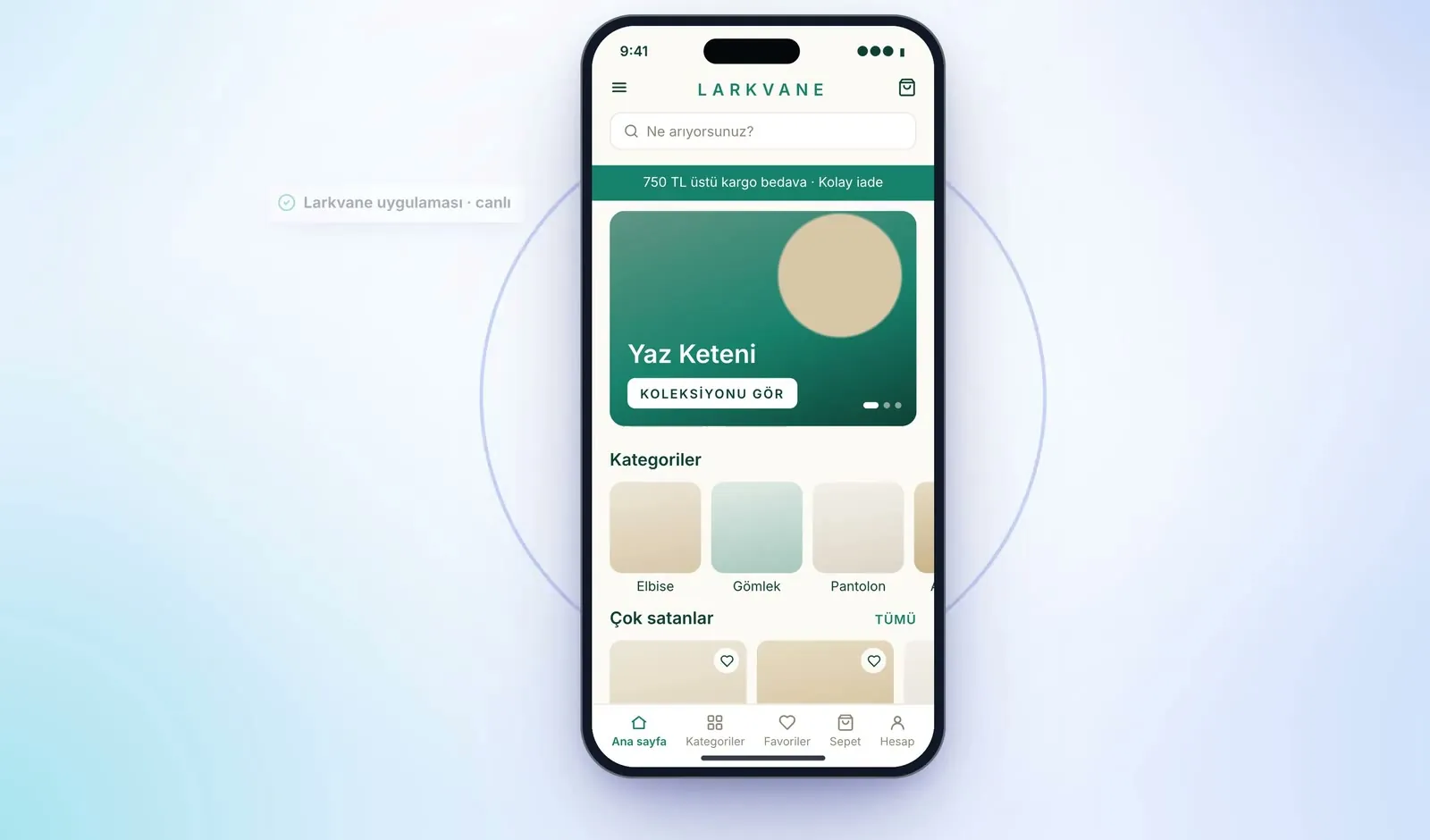 AppYour store, on your customer's home screen.Mobile App
Add-onsAdd-on center
Seven add-ons work in your Shopify theme. Turn them on without code and manage them from the Panel. Get any five add-ons with the Panel and bundle pricing applies.
Works in your Shopify theme · No code needed · Individually or as a bundle
Sales tools added to your Shopify theme, like a wishlist, reviews and a campaign banner.
Turn them on and configure them from the Panel. No code needed.
Pick them one by one; get five add-ons with the Panel and bundle pricing applies. Numbers are on the Pricing page.
Pick only what you need; get five and bundle pricing applies.
Brings back customers who liked a product and left, with reminders and discount alerts.
ExploreStar ratings and photo reviews show on your product pages; you decide which ones get published.
ExploreWrite your campaign banner, pick its color and pages, and publish. You don't touch your theme code.
ExploreSee where visitors give up in your store with session recordings and a conversion funnel.
ExploreContact, return or wholesale request forms in your store; every message lands in one inbox in the Panel.
ExploreVisitors choose their own cookie consent; the banner matches your theme and every decision is logged.
ExploreAdd forms to your store and collect responses in the Panel.
Collect cookie consent from visitors in a compliant way.
An account page where customers see their orders, returns and loyalty info.
Bundle
Pick any five add-ons with the Panel and bundle pricing applies. The bundle covers the five cheapest add-ons; any extras are added at their own price.
Sample bundle
Calculate the total in your currency on the Pricing page.
No. Turn the add-on on and configure it from the Panel.
Pick any five add-ons with the Panel and bundle pricing applies. If you pick more than five, the bundle covers the five cheapest and the rest are added at their own price.
An add-on works inside your Shopify theme. An app is a separate product with its own screens. See the apps
Turkish lira in Türkiye; euro, pound, franc or dollar elsewhere.
Your cookie choice
With your permission, we use analytics cookies to improve the site. We don't use advertising cookies.
Details