 entrfy
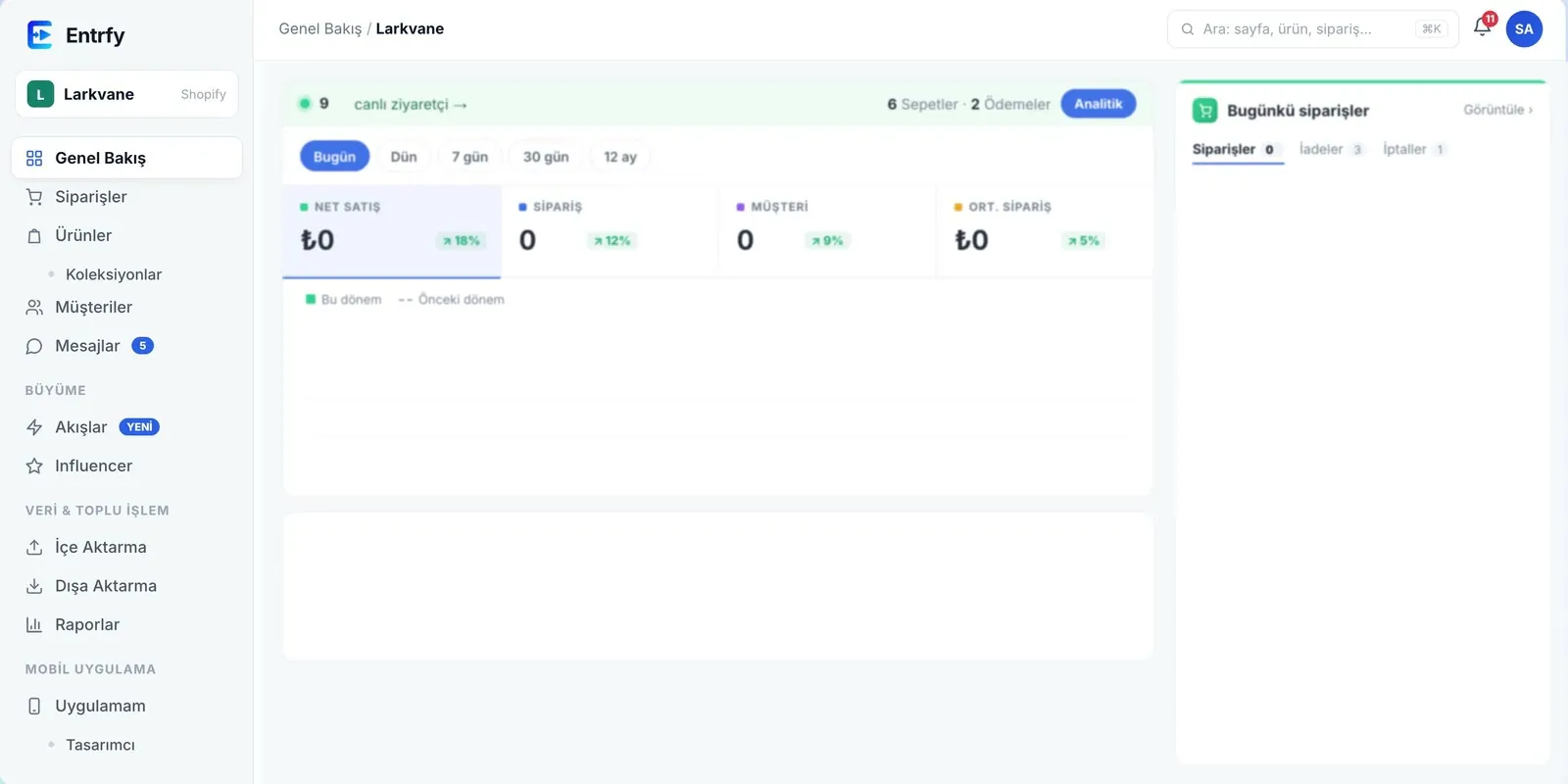 PanelAll in one Panel, one subscription.
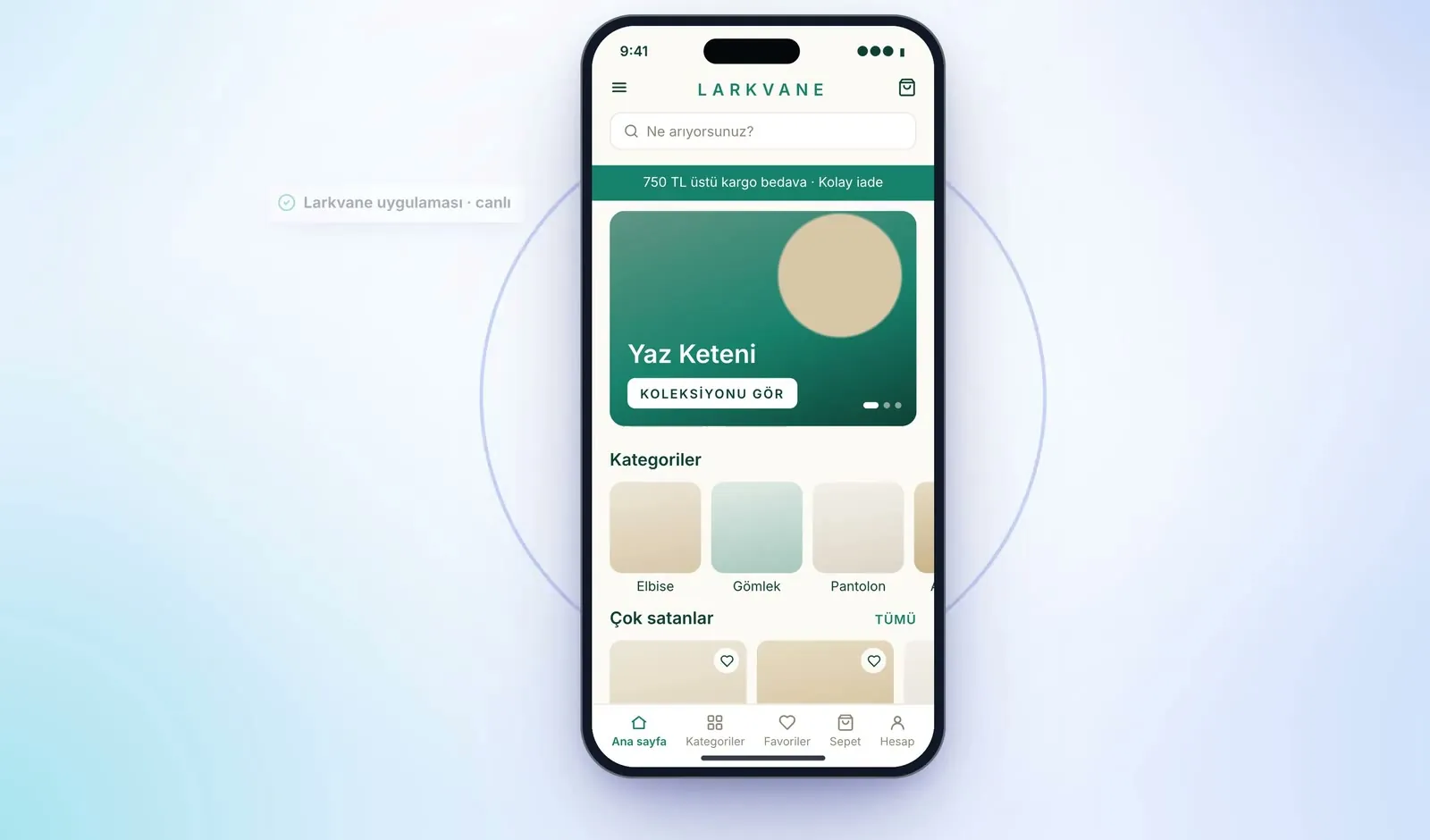 AppYour store, on your customer's home screen.
Add-onCookie Consent
Collect cookie consent the compliant way, in your theme's style.
Visitors choose which cookies they allow. The banner matches your theme, the rules adapt to the visitor's country, and every decision is logged.
Works on Shopify and your website · No code needed · Managed from the Panel
Cookie Consent at a glance
What it is
A cookie banner, preferences window and consent log added to your store or website.
Who it's for
Stores that need cookie consent from visitors in Türkiye and Europe.
What it costs
Get it on its own or add it to the Panel + five add-ons bundle. See the price on the Pricing page.
What happens when a visitor arrives?
Click the steps to see how consent is collected and logged.
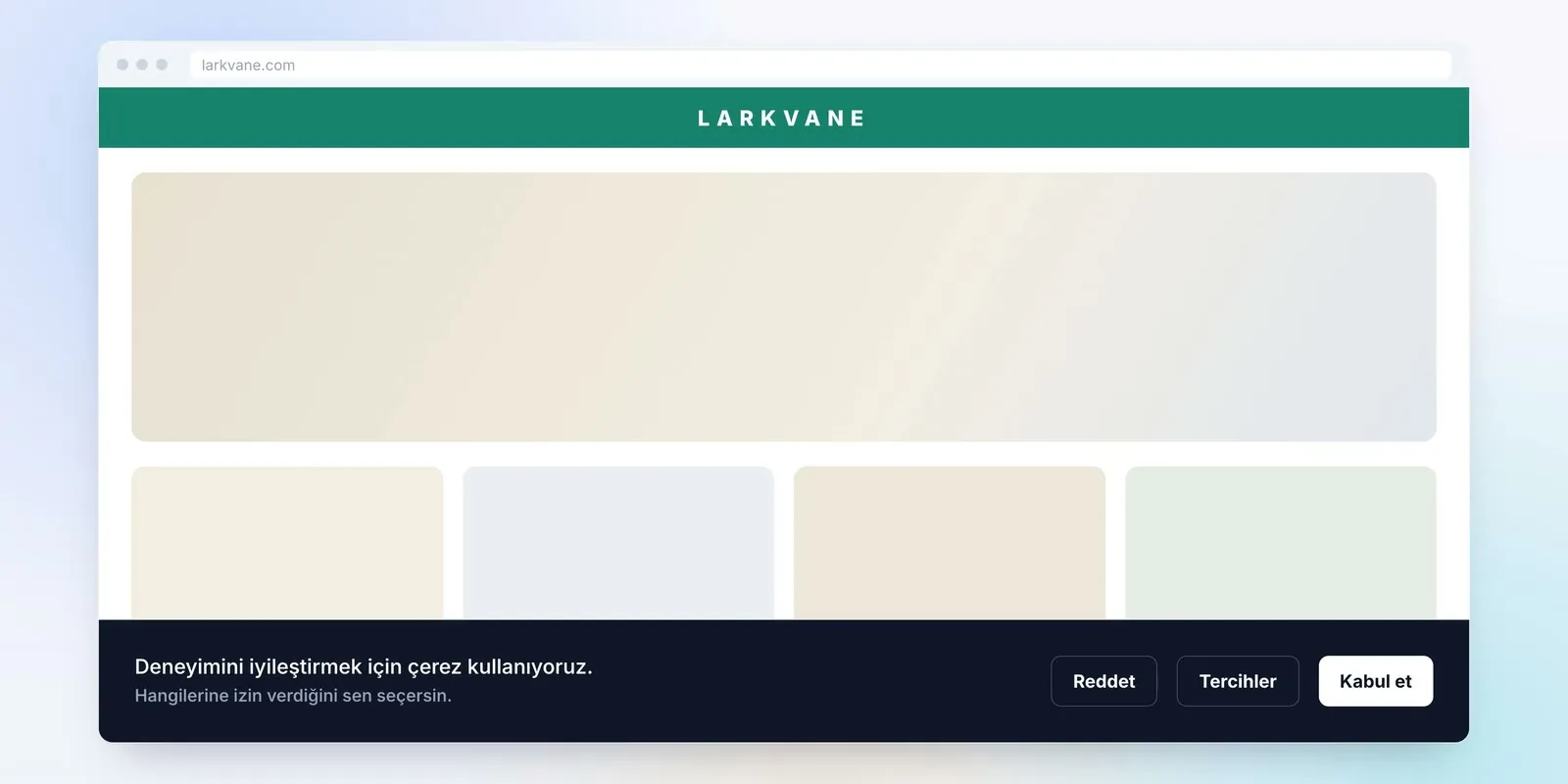
Bottom bar, top bar, corner box or centered window; colors match your theme.
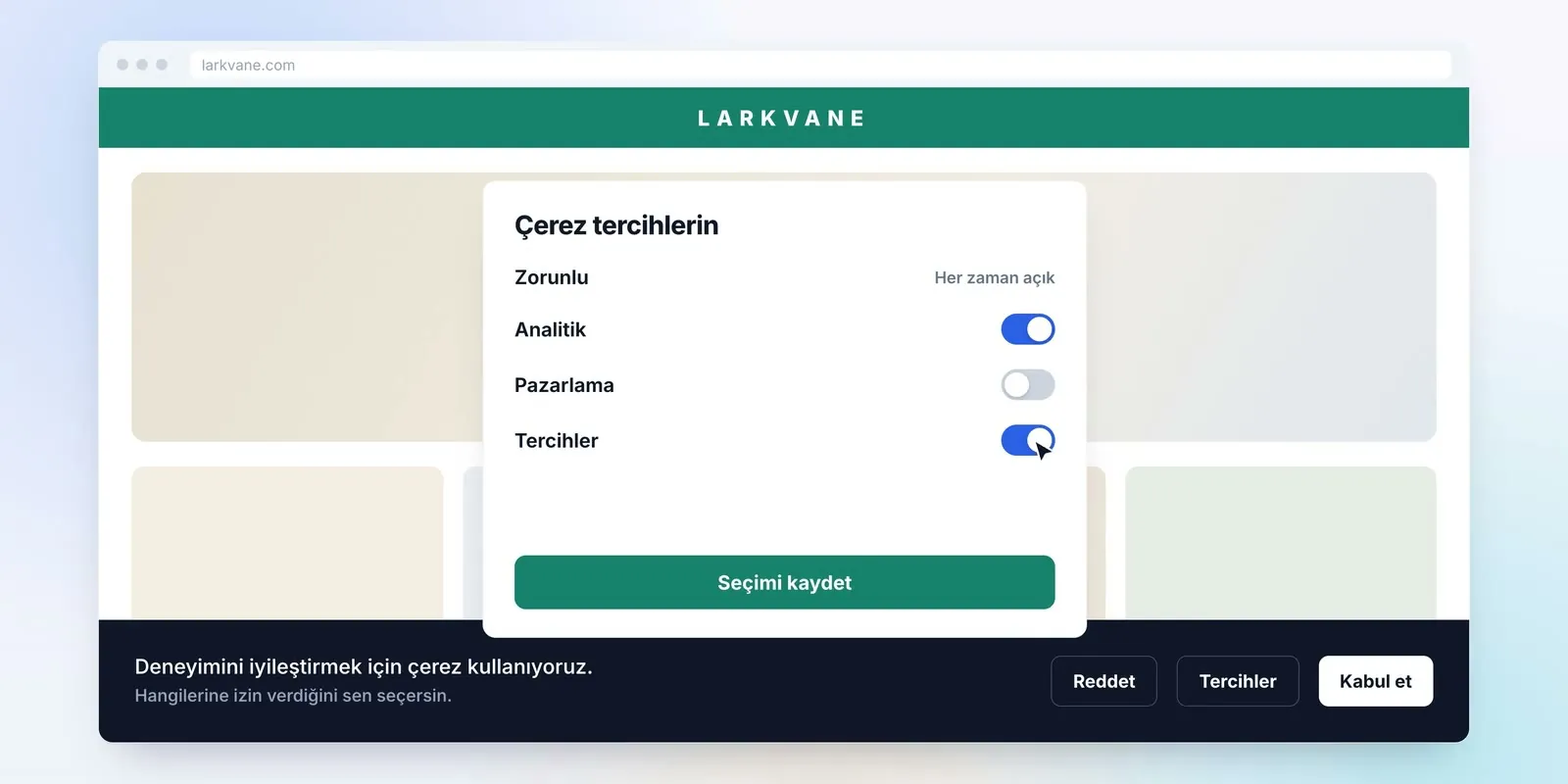
Necessary, analytics, marketing and preference cookies are toggled separately.
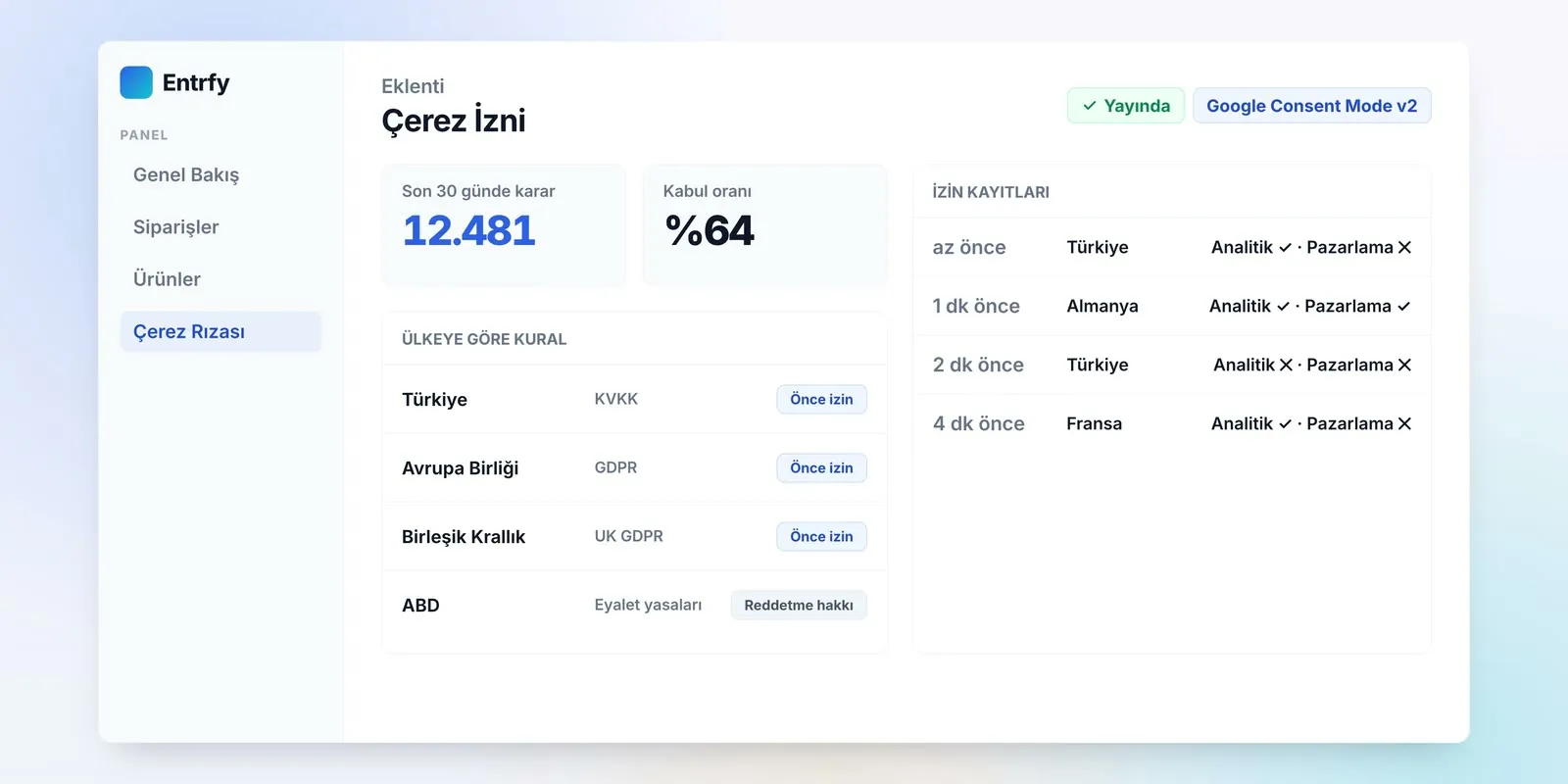
Every consent is logged with its date, country and choice.
No consent, no tracking. With consent, there's a record.
In the Panel
Rules adapt to the visitor's country.
Visitors in Türkiye are asked under KVKK, visitors in Europe under GDPR. See the acceptance rate and every decision in the Panel.
- Türkiye, EU, UK and Switzerland: consent first
- US: right to opt out
- Compatible with Google Consent Mode v2 and Shopify's privacy settings
Do cookies run before consent is given?
No. The analytics and marketing scripts you flag don't run until consent is given, and known tracking scripts are held back as far as possible.
Which languages does it show in?
Turkish, English, German, French, Italian, Spanish, Dutch and Arabic.
Can visitors change their decision?
Yes. They reopen the preferences window and change their choice; the new decision is logged too.
Does it guarantee legal compliance?
Cookie Consent lets you collect consent in line with the rules and keep a record of it. We recommend having the wording reviewed by your own legal advisor.
How much does it cost?
Get Cookie Consent on its own or add it to the Panel + five add-ons bundle. Current pricing by currency is on the Pricing page.