 entrfy
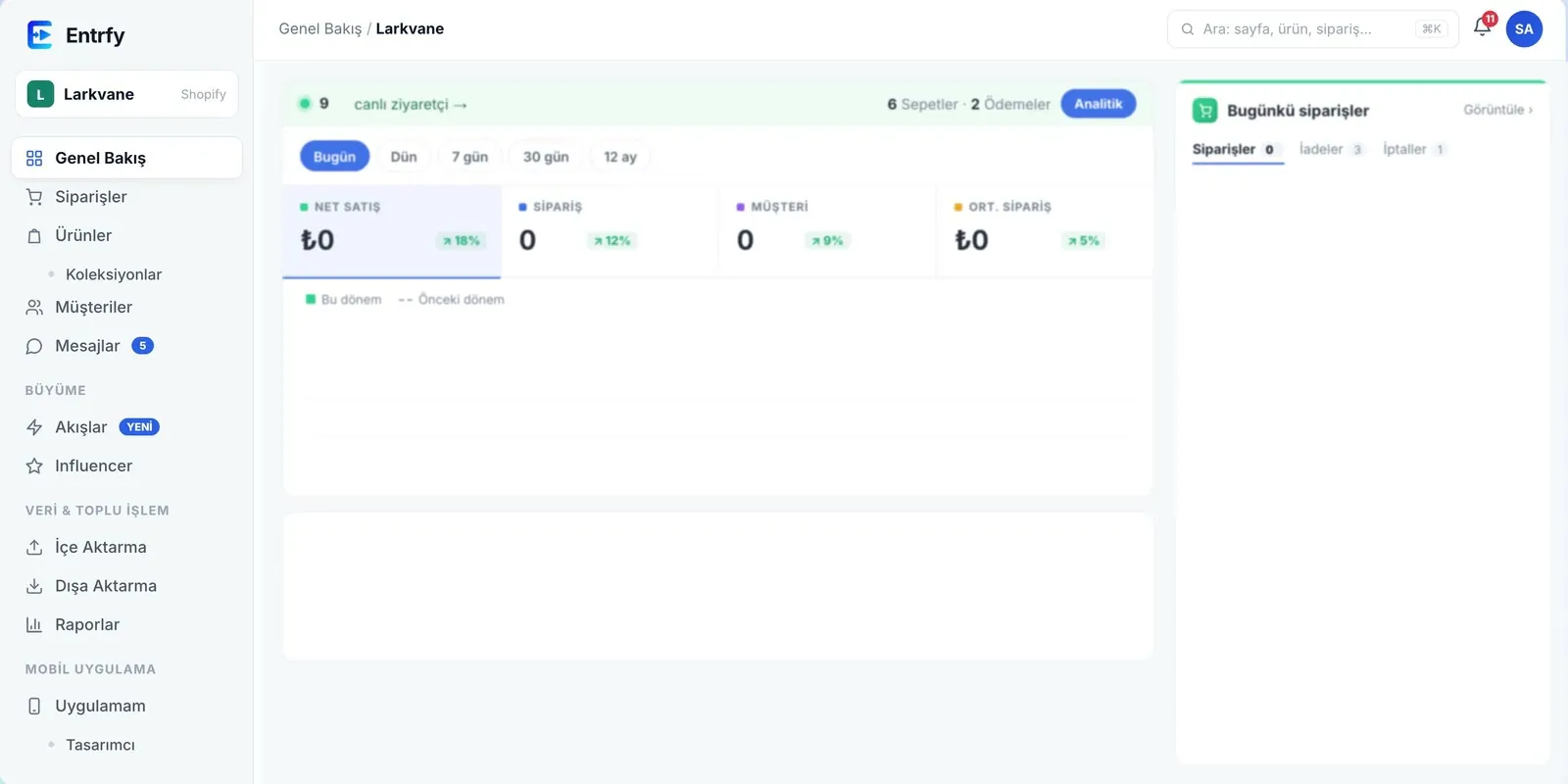 PanelAll in one Panel, one subscription.
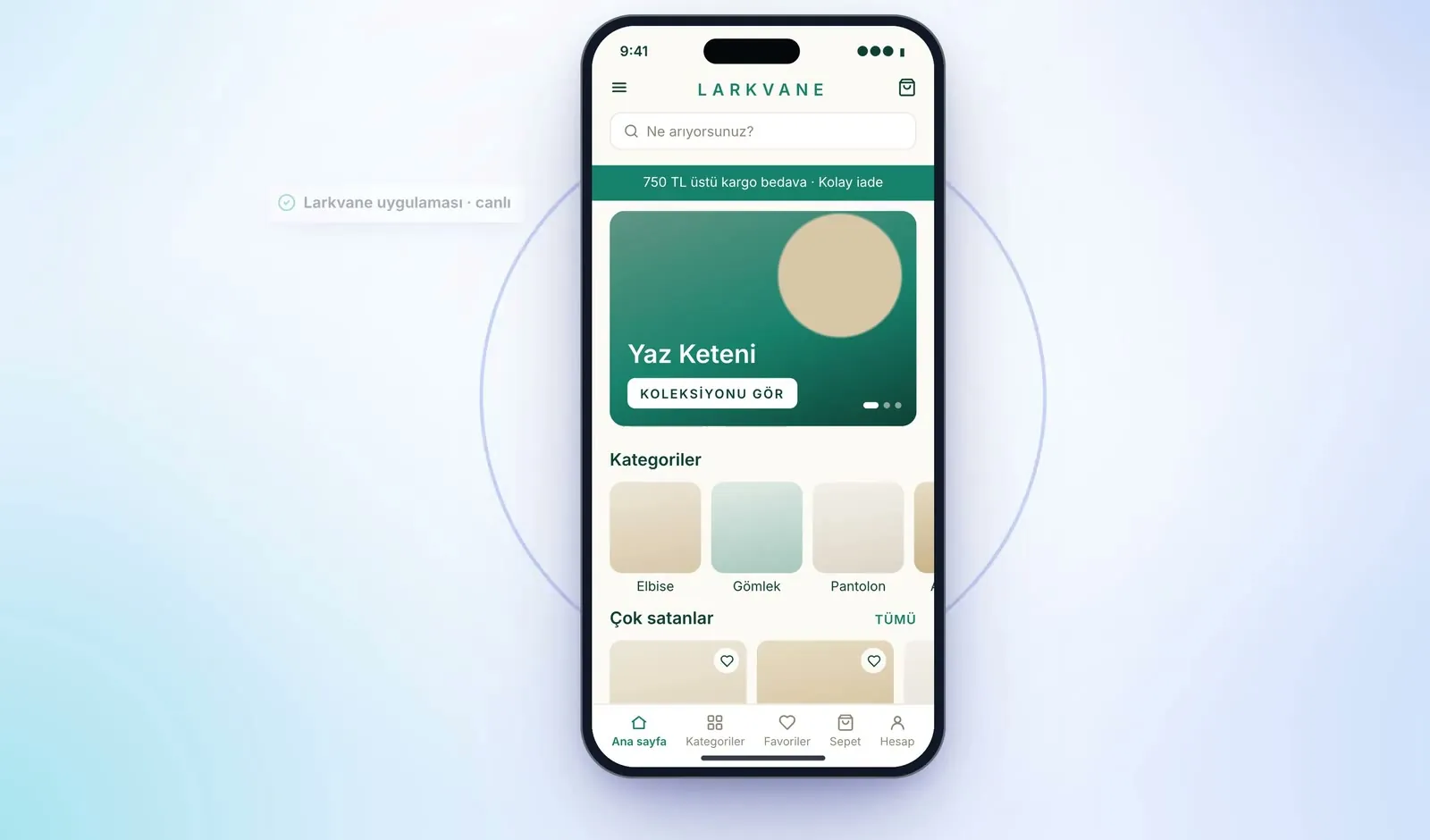 AppYour store, on your customer's home screen.
AppFlows
Set it up once, let it sell every day.
A gift code on their birthday, a reminder when they leave a cart, a welcome for new customers. Flows reach your customers at the right moment and stop once they order.
Push · WhatsApp · Telegram · Email · No code needed
Flows at a glance
What it is
Message flows that reach your customers on their own. Push notifications, WhatsApp, Telegram and email run in a single flow.
Who it's for
Stores that don't want to lose customers who abandon carts or buy once and never come back.
What it costs
Sold separately from the Panel. Write to us for a quote.
Ready-made templates
Four ready-made flows, working from day one.
Pick a template, adjust the copy and discount, and publish. Or build a flow from scratch, step by step.
- BirthdayA personal gift code on their birthday
- Cart recoveryA reminder 1 hour after a customer leaves their cart
- Welcome seriesGreets customers in their first days after they open the app
- Win-backA personal offer for customers who haven't ordered in 60 days
Not opened? Next channel.
If a customer doesn't open the notification, reach them on WhatsApp; if they don't read that, by email.
Channel order
The flow stops when an order comes in.
Before every step, the flow checks what the customer has done. Once they've ordered, no more messages go out.
- Messages include the customer's name and a personal discount code
- Before publishing, use “Test on me” to see the flow on your own phone
- With the A/B split step, see which of two messages sells more
Results
See how much each flow sold.
How many people each flow reached, how many converted, and the revenue it brought in over the last 30 days, in one table.
- Total revenue from flows is shown at the top of the page
- Pause a flow that underperforms and publish a new one instead
With the Mobile App
Notifications go out from your own app.
If you have the Mobile App, flows send notifications to the customer's lock screen. Customers without the app are reached on WhatsApp or by email.
Do I need to write code?
No. Start from a ready-made template, or build your own flow by arranging steps in the Panel.
Which channels can messages go out on?
App push notifications, WhatsApp, Telegram and email. Push notifications require the Mobile App.
Will customers get too many messages?
No. You set the wait time between steps, and the flow stops when the customer places an order.
How much does it cost?
Flows is sold separately from the Panel. Write to us for a quote.